Generate Video From Image AI With Sora 2 Models
Learn how to generate video from image AI using Sora 2 style models. This guide covers how to turn static images into cinematic ads and viral social content.
Bringing a static image to life as a full-fledged video used to be the stuff of Hollywood magic. Now, it's something you can do in minutes. Using tools based on powerful models like Sora 2, you can generate video from image AI and create truly compelling content, turning a simple photo into a story that moves.
Turn Your Still Images Into Dynamic Videos with Sora 2
Let's be honest, in the endless scroll of social media, a static product photo just doesn't have the stopping power it once did. E-commerce store owners and content creators are in a constant battle for attention, and animating still images is a secret weapon.
This is exactly where AI models, particularly the Sora 2 video generator, are changing the game. They give you the power to animate your pictures without ever touching complex video editing software. Imagine taking that one perfect product shot from your Shopify store and turning it into a slick video ad for TikTok, or animating a key moment for an Instagram Reel.
The whole process is surprisingly straightforward. It's all about feeding the AI your image and giving it the right Sora 2 prompts to create motion.
As you can see, the AI model is the engine here. It looks at your image, reads your prompts, and intelligently figures out how to make it move.
The Business Case for Sora 2 Video Generation
The real magic isn't just in the cool visuals; it's what this capability can do for your business. The core of this is getting a handle on AI image to video transformation, which lets you animate your visuals almost automatically. The advantages are pretty clear.
- Save Huge on Time and Money: Let’s face it, traditional video shoots are a budget and schedule killer. AI cuts out the need for film crews and endless hours of editing.
- Unleash Your Creativity: Want to test out a dozen different camera moves or effects? Go for it. You can generate tons of variations from a single image without having to reshoot a thing.
- Move at the Speed of Social Media: Jump on a trend by creating fresh video content in minutes, not days. This is how you stay relevant.
The growth in this space is staggering. The market for image and video generative models hit USD 4,628.2 million in 2024 and is on track to explode to USD 27,739.8 million by 2030. What that means for you is that tools like the Sora 2 storyboard generator can help create videos instantly, cutting down your production time by as much as 90%. The numbers don't lie—this is the future of content creation.
Getting Your Image Ready for Sora 2 Animation
Before you even think about hitting "generate," you need to start with a solid foundation. The old saying "garbage in, garbage out" has never been more true than with AI video generation. The quality of your source image directly determines the quality of your final animation.
Think of it this way: a powerful Sora 2 text-to-video model needs a clean, well-defined image to work its magic. A blurry, low-res photo will just give you a messy, artifact-ridden video. For the best results, start with an image that's at least 1080p or higher. The more detail the AI has to work with, the smoother and more believable the final motion will be.
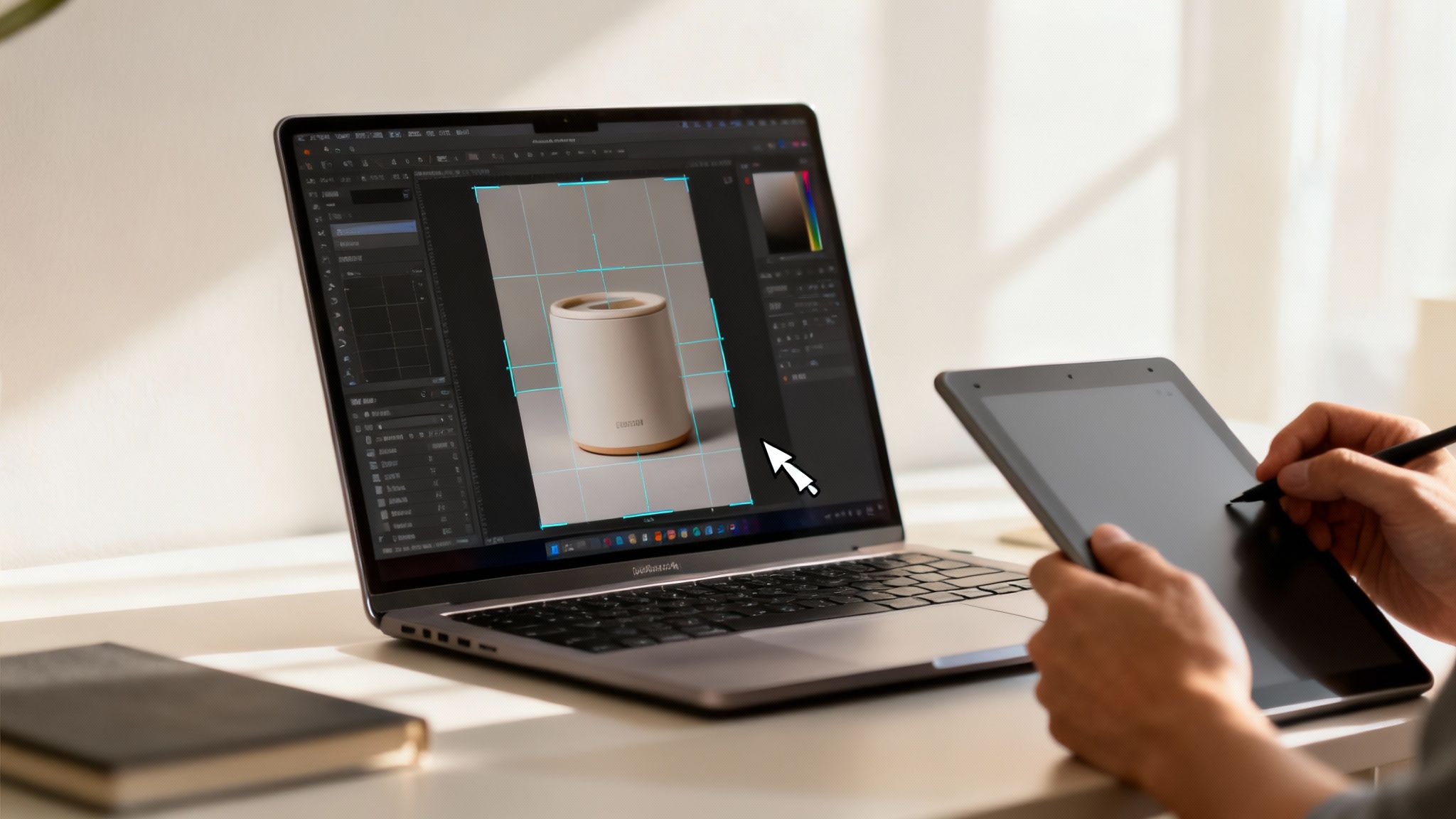
Beyond resolution, the subject of your photo is just as important. The AI needs to immediately understand the focal point. An image with a crisp, well-lit subject set against a relatively simple background is the perfect starting point.
Define Your Subject and Background
The best setup really depends on what you're trying to create. If you're making a product video for ecommerce using a Shopify store, an image of your product on a clean, uncluttered background is ideal. This lets the AI focus all its attention on animating the product itself, maybe with a slow, elegant spin or a subtle zoom-in.
But for dynamic Sora 2 for TikTok ads, you might want something more engaging. A lifestyle photo with a clear subject but a more interesting background gives you more creative freedom. The AI could animate clouds moving in the sky or leaves blowing in the wind, adding a layer of atmosphere that stops the scroll.
The key is to give the AI a clear visual hierarchy. When the model can easily tell the foreground from the background, it produces more logical and compelling motion without getting confused.
Spending just a few minutes prepping your image can make a world of difference in your final video. It’s a small time investment with a huge payoff.
Quick Editing Checklist:
- Boost Contrast: A slight contrast boost helps your subject pop, giving the AI clearer edges to work with.
- Remove Distractions: Grab a healing brush or clone tool in your favorite photo editor and zap any distracting elements from the background. Stray objects or even dust specks can cause weird, unwanted motion artifacts.
- Check the Lighting: Make sure your subject is well-lit. Shadows and poor lighting can hide important details, which limits the AI’s ability to create fluid movement.
By taking these simple steps, you're not just uploading a random photo. You're handing the AI a high-quality blueprint, ensuring it has everything it needs to understand your vision and bring your image to life.
Crafting Powerful Sora 2 Prompts
Alright, you’ve got your source image prepped and ready to go. Now comes the fun part—telling the AI exactly what you want it to do. This isn't just about uploading a file; it's where you step into the director's chair.
When you're using AI to generate video from an image, your prompt is everything. It’s your script, your storyboard, and your shot list all rolled into one. With a powerful model like a Sora 2 style AI, you can move way beyond basic commands and start describing precise movements, atmosphere, and camera work.
A weak prompt like "make the shoes move" will get you a weak, wobbly result. But a strong prompt? That paints a full picture for the AI. It provides context, defines the action, and sets a specific mood. That level of detail is what separates a forgettable animation from a stunning product video for your Shopify store or a TikTok ad that actually stops the scroll.
The key is to be descriptive without being confusing. Think of it like giving clear, simple instructions to an actor. The AI needs to know who the star is (the subject), what they’re doing (the action), and where it’s all happening (the environment).
What Makes a Powerful Prompt Tick?
A truly effective prompt for image-to-video has a few key ingredients. Once you get the hang of these, you’ll have incredible control over the final video, letting you bring your vision to life.
Let's break down the core elements:
- Subject Focus: Pinpoint the main object or person. Be specific. Is it the entire person, or just their expression? The whole car, or just the glint on the chrome?
- Action Verbs: Use dynamic, evocative verbs. Don't just say "moves." Does it drift slowly? Glide smoothly? Vibrate with energy? The verb choice sets the tone.
- Environmental Details: What's happening in the background? Is a gentle breeze rustling the leaves? Is soft morning light filtering through a window? Are neon signs flickering in the rain? These details add depth and realism.
- Camera Direction: This is the secret sauce for a cinematic feel. Tell the AI exactly where to put the "camera." Think in terms of real film-making: "slowly pans right," "subtle zoom in," or "dolly forward."
For anyone creating content, especially on platforms like TikTok, this detailed approach is a game-changer. You can turn static product shots into pro-level videos that get noticed. After all, videos see a staggering 1200% more shares than images alone.
The entire Sora 2 text-to-video market is exploding, growing 30.7% YoY to a value of $0.31B in 2024. This isn't some niche trend; it's the new standard. Sora 2 alternatives and similar tools are letting small business owners create incredible video content without the massive overhead, often cutting costs by up to 85% and turning week-long production schedules into a few minutes of work. You can discover more insights about the rapid growth of the AI image and video market to see just how big this is getting.
Pro Tip: I always build my prompts in layers. I start with the main subject's action, then I add what the background is doing, and finally, I layer on the camera instructions. It’s a simple system that helps keep the final animation logical and cohesive.
Prompt Crafting From Basic to Pro
So, what does this look like in practice? Let's take a common e-commerce scenario: you've got a great photo of a new sneaker you want to promote.
The table below shows how a little bit of detail can completely transform the outcome.
| Goal | Weak Prompt Example | Strong Prompt Example | Why It Works Better |
|---|---|---|---|
| Create a product showcase video from a single image of a sneaker. | Animate the sneaker. | Slow dolly zoom into the detailed stitching on the side of the sneaker. The background blurs slightly, and soft studio lighting glints off the chrome eyelets. | The strong prompt gives the AI specific instructions on camera movement (dolly zoom), subject focus (stitching), environmental effects (background blur), and lighting. It directs the AI to create a polished, professional-looking shot. |
The difference is night and day, right?
The first prompt gives the AI almost zero direction. You’ll probably get some random, uninspired movement that looks cheap. But the second prompt provides specific details on the texture, the lighting, and the camera work. It guides the AI to create something that feels high-end and intentional. This is exactly why these newer AI models are so powerful for AI video marketing strategies—they respond to nuance.
Mastering Camera Controls for Cinematic Effects
If you want to create a video that truly tells a story, you have to think like a director. The secret to great visual storytelling isn't just what's happening on screen, but how the viewer sees it. This is where camera control comes in.
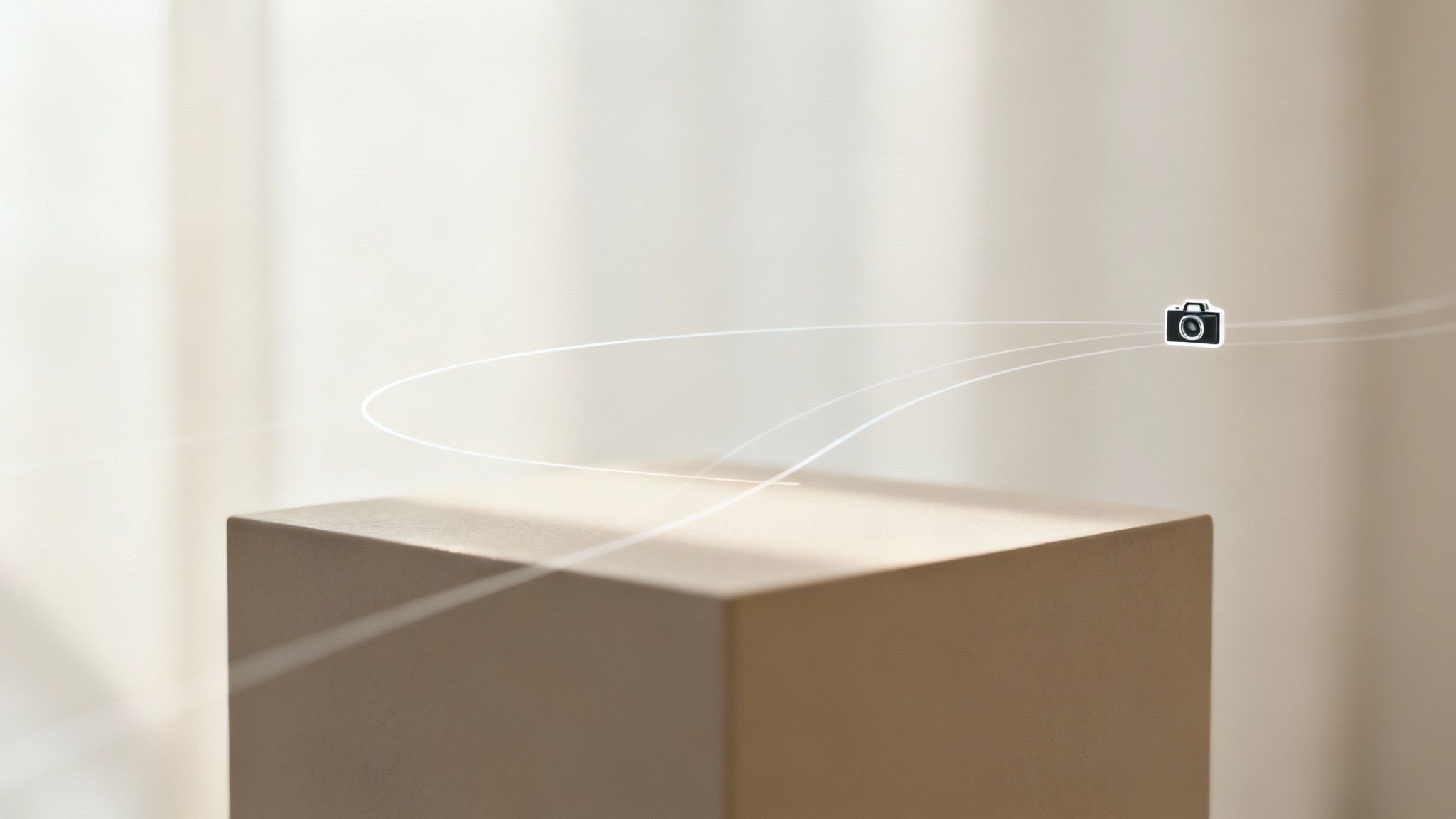
With AI models like Sora 2, you get to be the director. You're guiding a virtual camera to create professional, cinematic results. This is how you take a simple animation and turn it into something that grabs and holds your audience's attention. The right camera movement can build suspense, create excitement, or draw focus to a key feature. It's the real difference between a flat, boring clip and a dynamic video that feels alive.
Core Camera Movements in Sora 2 Prompts
When you generate video from image ai, the most powerful tools you have are the specific camera commands in your prompt. Forget vague terms; using industry-standard camera movements gives the AI incredibly precise instructions.
Here are a few of the essentials I use all the time in my Sora 2 prompts:
- Pan Left/Right: Think of this as turning your head side to side. A quick pan is perfect for injecting energy into an action sequence for a TikTok ad, making it feel fast-paced.
- Tilt Up/Down: This is the vertical version of a pan, like nodding your head. A slow, deliberate tilt up can be a powerful way to reveal a towering skyscraper or a gorgeous landscape.
- Zoom In/Out: This changes the focal length of the lens to make your subject appear closer or farther away. A subtle zoom-in is a fantastic trick for drawing the viewer's eye to a specific detail, like the intricate stitching on a leather bag for a Shopify store.
- Dolly Forward/Backward: This is different from a zoom. Here, the entire camera physically moves closer to or away from the subject. A slow dolly forward creates a deeply immersive feeling, making it my go-to for dramatic product reveals.
By getting comfortable with these simple commands, you gain an incredible amount of narrative control. Always ask yourself what emotion you want the viewer to feel. For excitement, try a quick pan. For intimacy, a slow dolly forward works wonders.
Adding Atmospheric and Lens Effects
Once you've nailed the basic movements, it's time to add another layer of polish. Atmospheric and lens effects are the details that make a scene feel authentic and professionally shot. They can instantly elevate a sterile animation into a believable, living world.
It can be as simple as adding "a gentle breeze rustles the leaves" to a nature scene. That tiny bit of text introduces subtle, realistic motion that makes the whole video far more engaging.
Sora 2 Video Examples for a Product Video
Let's put this into practice. Imagine you're starting with a static image of a new perfume bottle. Instead of a generic prompt, you could write this:
"Slow dolly zoom toward the perfume bottle, soft light catches the glass, creating a subtle lens flare in the top right corner. The background softly blurs."
Look at what that one sentence accomplishes. It directs the camera movement, sets the lighting, adds a professional lens effect, and creates a beautiful sense of depth. It tells a much richer, more compelling story than just "animate the bottle."
This is exactly how you craft high-converting product videos for ecommerce or viral social media content with Sora 2 style models. It’s all about the details.
Optimizing and Exporting Your Video for Social Media
So, you’ve created a stunning animation with a Sora 2 style model. That’s the fun part. But getting it in front of the right eyeballs—and making sure it looks amazing when it gets there—is a whole different game.
Your export settings are what make or break your video's performance on platforms like TikTok, Instagram, and even Shopify. Think of it this way: you wouldn't wear a tuxedo to a beach party. Likewise, a video for an Instagram Reel needs a different setup than one for a Shopify product page. Nailing these small details can be the difference between a viral hit and a total flop.
The key is finding that perfect balance between quality and performance. You want your video to look sharp, but you don't want it to be a massive file that takes forever to load on someone's phone. For most social platforms, 1080p resolution is the sweet spot.
Dialing in the Technical Settings
Before you even think about hitting that export button, let's get the technical foundation right. These are the core settings that ensure your video looks professional from the get-go.
- Aspect Ratio is Everything: On TikTok and Instagram Reels, you have to go vertical. A 9:16 aspect ratio is a must. It fills the whole screen on a phone, which is exactly what you need to grab and hold someone's attention.
- Keep it Smooth: Stick with a frame rate of 30 frames per second (fps). It's the standard for online video and gives you that clean, natural motion that just works on any device.
- Pick the Right Codec: Always export using the H.264 codec. It's the universal language of online video, offering great quality without a gigantic file size. Your video will play back smoothly just about anywhere.
Remember, the first three seconds are gold on social media. A perfectly optimized file that loads instantly and looks fantastic from frame one is your best shot at stopping the scroll.
More Than Just Numbers: Smart Optimization
Once the technical stuff is sorted, it's time to think strategically. A technically flawless video can still fall flat if it doesn't resonate with the people watching it. This is where you match your creative choices to platform trends.
For anyone running a Shopify store, this process is a game-changer. You can create cinematic product demos from a single photo, leveraging the power of Sora 2 for ecommerce. The results speak for themselves; small businesses that generate video from image AI for storyboards have seen 3x higher conversion rates. It’s not surprising, since dynamic visuals can outperform static product shots by up to 300% in e-commerce.
On top of that, AI-driven video can slash production costs by 70-80% compared to a traditional photoshoot. This is all part of a massive shift, with the generative AI market projected to explode from USD 71.36B in 2025 to a staggering USD 890.59B by 2032. If you're curious, you can learn more about the explosive growth of the AI video generator market to see just how big this is getting.
Don't forget the final touches. Slap some trending audio from TikTok or Instagram on your video to give the algorithm a reason to show it to more people. And finally, write a great caption with a clear call to action. Ask a question, tell them to share, or point them to the link in your bio. These details turn a cool animation into a real business tool.
Got Questions? We've Got Answers
Diving into Sora 2 video generation is exciting, but it's natural to have a few questions pop up. As you start to generate video from image AI, you'll likely wonder about technical specs, what works best, and how much control you really have. I've been there.
Let's clear up some of the most common questions I hear from creators. Getting these answers sorted out first means you can spend less time guessing and more time making something awesome.
How Long Can These AI Videos Actually Be?
This is probably the number one question on everyone's mind. Right now, most Sora 2 style models are built for short, punchy clips. You can expect to generate videos up to 16-20 seconds long from a single image.
That length is the sweet spot for social media, especially for platforms like TikTok and Instagram Reels where you need to grab attention fast. But what if you need more time? For bigger projects, you can use a tool like the Sora 2 storyboard generator. It lets you stitch multiple clips together, creating a longer, more detailed story for a product video or brand narrative.
What Kind of Images Get the Best Results?
Your starting image is everything. The better the input, the more stunning the output will be. My best advice? Always start with high-resolution, clear images where the main subject is easy to see.
- For E-commerce: I’ve found that product shots on clean, simple backgrounds work wonders. It helps the AI focus purely on animating your product instead of getting confused by a chaotic background.
- For Creative Projects: Lifestyle photos, cool illustrations, or beautiful landscapes with great lighting are perfect. The AI has so much more to play with—think moving clouds, blowing leaves, or shimmering water.
On the flip side, try to avoid blurry, low-res, or super cluttered images. They tend to throw the AI off, resulting in weird motion and visual glitches that can make your video look amateurish.
Can I Really Control the Exact Movement?
You get a surprising amount of control, but think of it as a collaboration. You're the director, and the AI is your very literal animator. You guide it with descriptive Sora 2 prompts, not with traditional keyframes.
You can get super specific with camera commands like "pan left," "slow zoom in," or "dolly forward." You can also describe how you want the subject to move, like "coffee steam gently rising" or "fabric waving in a light breeze."
The real trick is to be as descriptive as you possibly can. The more detail you give the AI, the closer it will get to what you're picturing in your head. Play around with different verbs and adjectives—it's the best way to learn what prompts create the most magic.
Will My Videos Have a Watermark?
Nope! This is a huge win for anyone serious about their brand. One of the best things about using a platform like Saro2.ai is that all the videos you create are completely free of watermarks.
This is so important for looking professional. You can drop your videos right onto a Shopify page, run them as Sora 2 for TikTok ads, or post them anywhere online without another company’s logo slapped on them. Your content stays clean, professional, and 100% yours.
Ready to stop wondering and start creating? With Saro2.ai, you can transform your static images into cinematic, watermark-free videos in just a few minutes. Check out our Sora-compatible models and get started on your next viral video. Head over to https://saro2.ai to begin.