Your Guide to the Sora 2 Demo
Explore our hands-on guide to the Sora 2 demo. Learn how to create stunning AI videos with actionable tips on prompting, storyboarding, and optimization.
The Sora 2 demo is your first real look into the future of AI video generation. It lets you create short, surprisingly realistic clips using just text prompts, moving text-to-video from a neat trick to a genuinely useful tool for creators and marketers.
A Whole New Way to Create Video
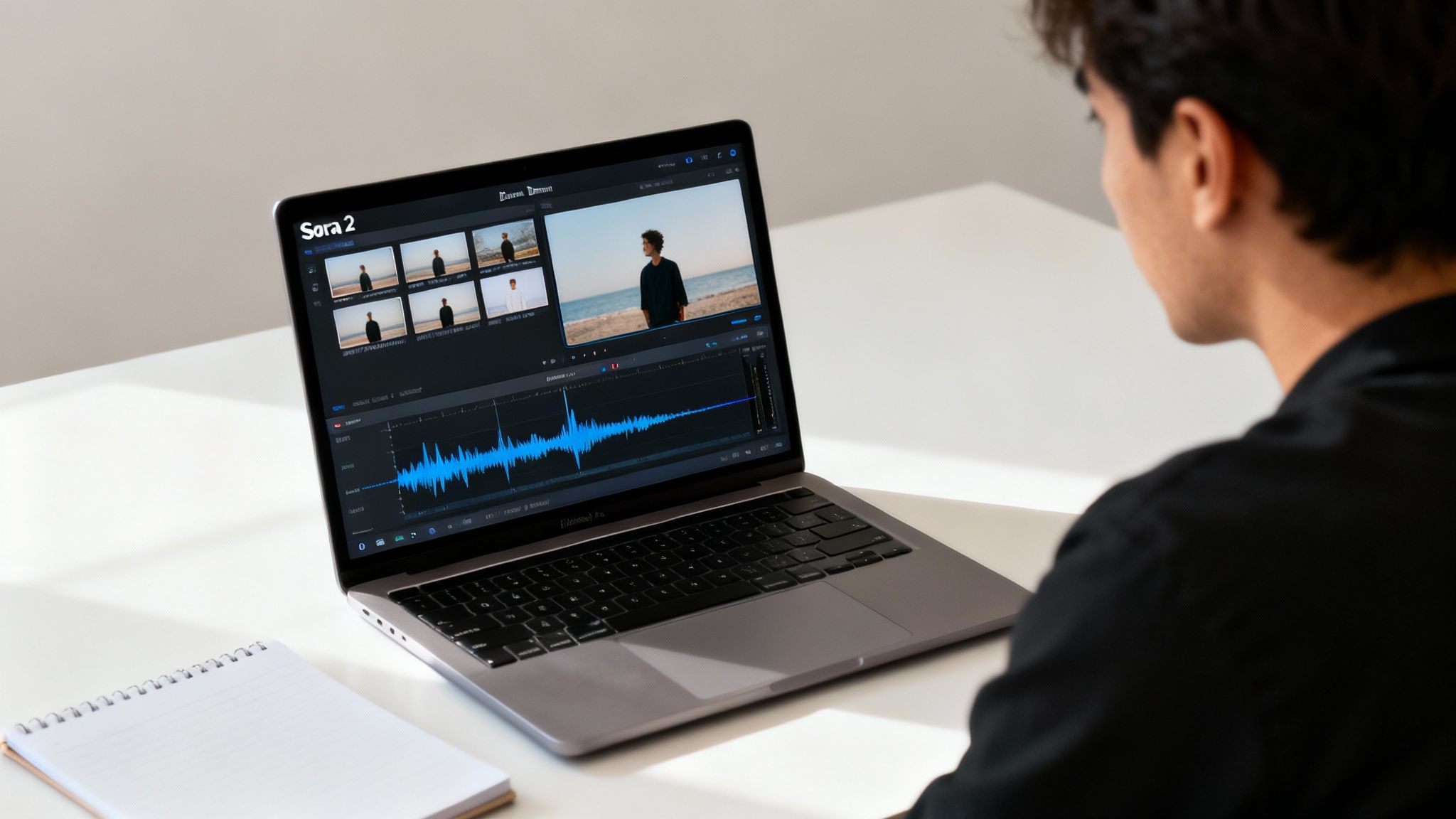
For anyone who makes videos—from social media managers creating TikTok ads to e-commerce brands building product videos for Shopify—the arrival of the Sora 2 demo is a big deal. We're moving past the era of simple, one-off AI clips and into a space where you can build more complex, engaging stories. This isn't just a minor update; it's a completely different way to think about bringing visual ideas to life without needing a camera crew or expensive editing software.
At its core, the Sora 2 AI video generator is straightforward: you write a prompt, and the AI builds a video from it. But the magic is in the details. Sora 2 is smart enough to handle multi-shot sequences, keep characters looking consistent from one scene to the next, and even sync up audio. This makes it a practical option for things like viral TikTok ads or quick product demos for your e-commerce store.
What Makes the Sora 2 Demo Different
One of the most noticeable improvements in the Sora 2 text-to-video model is how well it handles physics. Objects in the scene interact with each other and their surroundings in a way that feels natural, which helps a ton in avoiding that weird, "uncanny valley" vibe we've seen in older AI videos.
While the original Sora model from OpenAI in February 2024 was groundbreaking, the next-generation technology in Sora 2 brings in synchronized audio for dialogue and sound effects, multi-shot sequences, and that much-improved physics simulation. For a deeper dive into these features, the folks over at Superprompt have some great insights.
Sora 2 Demo Feature Comparison
To help you figure out the best starting point, here’s a quick breakdown of what you get with different access tiers for Sora 2 style models. Each one offers a different set of features and limitations, so you can pick what makes sense for your projects and budget.
| Feature | Free Tier | Plus Tier | Pro Tier |
|---|---|---|---|
| Max Video Length | Up to 10 seconds | Up to 10 seconds | Up to 20 seconds |
| Video Resolution | 720p | 720p | 1080p |
| Storyboard Generator | Basic Access | Full Access | Full Access |
| Commercial Use Rights | No | No | Yes |
| Generation Credits | Limited monthly | Increased monthly | High-volume monthly |
The Free tier is great for just playing around and getting a feel for the tool, while the Pro tier is really where it becomes a powerful asset for business and professional content creation, such as crafting Sora 2 for ecommerce and product videos.
Breaking Down the Access Tiers
To make the tool accessible, Sora 2 AI video generation demos typically come in three flavors. Each tier is built for a different type of user, from casual experimenters to professional teams.
-
Free Tier: This is your no-risk entry point. It gives you basic access to the text-to-video generator so you can create a few shorter clips and see how it all works.
-
Plus Tier: If you plan on using it more regularly, the Plus tier gives you more generation credits and full access to the storyboard tool, though the video length and resolution stay the same as the free version.
-
Pro Tier: This is for the power users—businesses and professionals. The Pro tier unlocks everything: longer video durations, 1080p resolution, and most importantly, the commercial rights you need to use the videos in your marketing campaigns.
The real game-changer isn't just generating a video; it's the ability to build a narrative. The integrated Sora 2 storyboard generator allows you to connect individual clips into a cohesive sequence, opening up possibilities for short-form storytelling that were previously impossible with AI alone. This is your essential starting point for mastering Sora 2.
Bringing Your First AI Video to Life with Text
Alright, this is where you get to play director. Making a video with the Sora 2 demo isn't some black-box magic; it's all about how clearly you can describe what's in your head. The quality of your video hinges almost entirely on the quality of your Sora 2 prompts.
Vague ideas get vague results. If you want something that looks incredible, you have to stop thinking like a user and start thinking like a filmmaker. "A video of a shoe" won't cut it. You need to build the scene, dictate the camera work, and define the mood.
How to Write Prompts That Actually Work
Your prompt is your script, your shot list, and your lighting guide all in one. The more detailed your instructions, the better the AI can translate your vision into pixels.
Let's imagine you're creating a short, punchy ad for a new pair of running shoes for your Shopify store, a perfect use case for Sora 2 for ecommerce.
- A so-so prompt: "A video of a new sneaker."
- A killer prompt: "Cinematic close-up shot of a futuristic running shoe, splashing through a puddle on a neon-lit city street at night. The camera follows the shoe in slow motion, capturing the water droplets in detail. Moody, high-contrast lighting."
See the difference? The second prompt tells the AI everything it needs to know: the subject, the action, the environment, the camera angle, and even the lighting. That's how you go from a boring, generic clip to something that looks like a high-end commercial. You can check out different Sora 2 prompts to get a feel for how the pros do it.
Refining Your Vision and Picking the Winning Shot
Don't expect the perfect video on your first try. It almost never happens. A huge part of working with any Sora 2 text-to-video tool is learning the art of iteration. You'll often get a few different clips from the same prompt, which is great because it gives you options.
I always recommend running the same prompt a few times. The AI introduces tiny, random variations with each generation, and sometimes that's all it takes to land on the perfect shot you couldn't have planned for.
My go-to tip: If a video is almost perfect, don't start from scratch. Just tweak the one thing that's off. If the camera angle feels wrong, change "close-up shot" to "low-angle tracking shot" and run it again. This back-and-forth is where the real creative work happens.
For our shoe ad, maybe you get four different Sora 2 video examples. The first has an amazing water splash. The second nails the neon glow. But only one of them will bring it all together perfectly. Your job isn't just to write prompts; it's to be the editor, the curator who picks the best take. That's how you really start to create standout content with tools like our Sora 2-style video generator over at Saro2.ai.
Building Narratives with the Storyboard Generator
Anyone can create a single, impressive video clip. But telling a story? That's what really grabs an audience and holds their attention. This is exactly where the Sora 2 storyboard generator comes into play, letting you move beyond one-off clips to build a full narrative.
The feature essentially lets you chain multiple prompts together, generating a series of scenes that actually make sense in sequence. Instead of trying to force a whole story into one massive, convoluted prompt, you can break it down, shot by shot. From my experience, this granular approach gives you exponentially more control over the final product.
The best way to think about it is like a director planning a shoot. You create a series of prompts, each one acting as a different scene or camera angle. The AI then does the heavy lifting to keep the look and feel consistent between them. This is crucial for creating those slick, multi-shot videos you see on TikTok or a compelling product showcase for a Shopify store.
From Idea to Final Video
Getting from a spark of an idea to a finished video storyboard is a pretty straightforward, three-part flow. You start with your core concept, translate that into carefully crafted prompts for each scene, and then the AI stitches it all together into your video sequence.
This diagram breaks down how the AI video creation process works when you're using the storyboard feature in the Sora 2 demo.
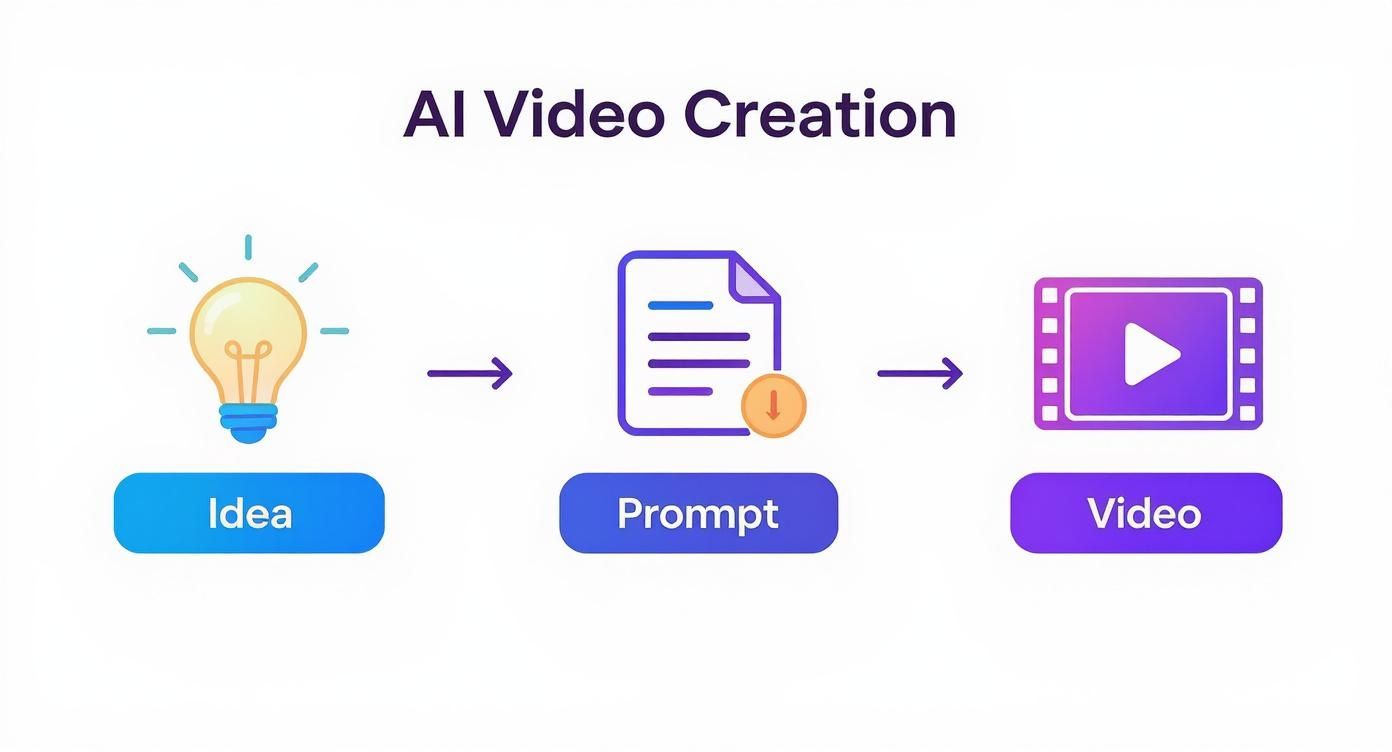
If there's one thing to take away from this, it's that the quality of your video is a direct reflection of the clarity and detail you put into your prompts. Garbage in, garbage out, as they say.
Pacing Your Story for Maximum Impact
With short-form content, pacing is king. A video that drags will have viewers swiping away in seconds. The Sora 2 storyboard generator is your best friend for getting this rhythm right.
You can mix quick, punchy shots with slower, more detailed ones to create a story that feels alive.
- For a TikTok Ad: I'd start with a rapid sequence of three clips, maybe 1-2 seconds each, just to hook them. Then, follow up with a slightly longer shot of 3-4 seconds that really showcases the product or delivers the main message. This is a key AI video marketing strategy.
- For a Product Showcase: A great approach is to open with a wide, establishing shot to set the context. From there, you can cut to a few tight close-ups on key features, and then end with a shot showing the product being used.
A rookie mistake I see all the time is making every scene the same length. Simply varying the duration of your clips makes your video feel more professional and keeps the viewer from getting bored. It’s a simple trick that keeps things from feeling flat.
Ensuring Continuity Across Scenes
Let's be honest, one of the biggest headaches with AI video has always been consistency. You don't want your hero's shirt to randomly change from blue to green, or the background to warp between shots. The storyboard tool in the Sora 2 demo is specifically built to tackle this challenge.
The secret is to be stubbornly explicit in your prompts. If your main character is wearing a red jacket in the first scene, you better believe you need to mention that red jacket in the prompt for every other scene they're in.
The same logic applies to the setting. If the story unfolds in a "sun-drenched coffee shop," keep reminding the AI of that detail in each relevant prompt. While the technology is getting smarter, giving it these consistent anchors helps it produce a far more cohesive and believable video. You can try this out yourself using a tool like our Sora 2 storyboard generator at Saro2.ai to really get a feel for building these narrative threads.
Getting Your AI Video Ready for the World
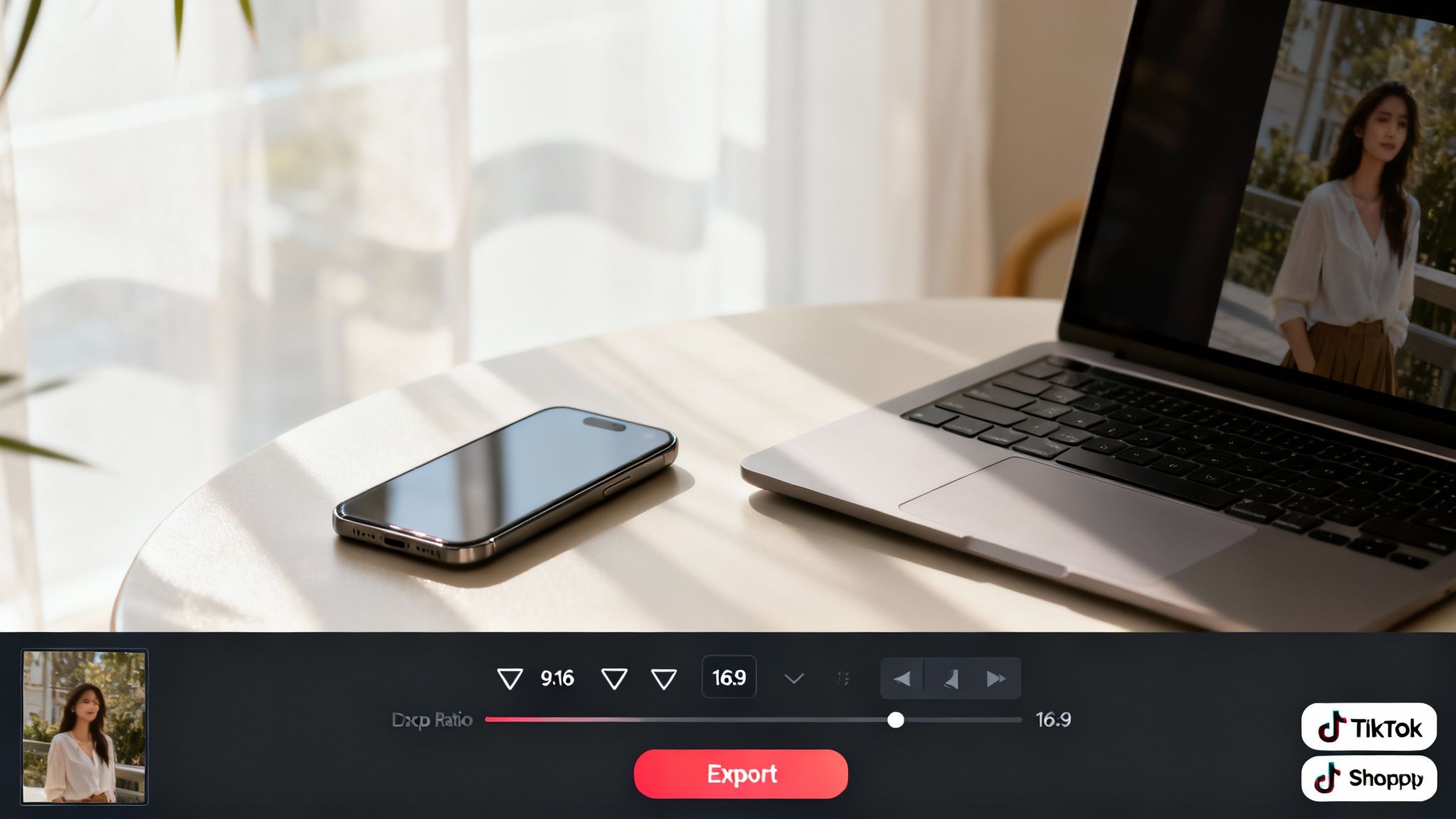
Once you’ve put together a storyboard you’re proud of, the last hurdle is getting your creation ready to share. This is where you lock in the technical details to make sure your video looks crisp and performs beautifully, whether it's a fast-paced TikTok ad or a slick product video for your Shopify store.
Picking the right export settings is a bigger deal than you might think. Every platform has its own quirks, and a video that looks stunning on one can end up pixelated or awkwardly cropped on another. The goal is simple: match your video's specs to its final destination.
Dialing in Your Export Settings
Before you click that render button, pause and think about where this video is going to live. A one-size-fits-all approach is a recipe for frustration. For example, a cinematic 16:9 aspect ratio is perfect for YouTube, but it’s going to look terrible on TikTok, where a vertical 9:16 format reigns supreme.
Here are the settings you’ll want to focus on inside the Sora 2 demo:
- Resolution: Go with 720p for quick social clips that need to load fast. For higher-quality marketing assets where the details count, 1080p is the way to go.
- Aspect Ratio: Choose 9:16 for TikTok, Reels, and Shorts. A square 1:1 ratio works great for Instagram feed posts, while 16:9 is your classic choice for traditional video platforms.
- File Format: Stick with MP4. It’s the universal standard and your safest bet for compatibility pretty much everywhere.
Getting these right from the start saves you the massive headache of having to go back and re-render everything.
Keep in mind that working with any AI video generator is all about trial and error. Only a fraction of initial video generations end up being the final, usable shot. This really drives home how much experimentation is needed when exploring Sora 2 style models.
The Final Polish and Watermark Check
Think of the video the AI gives you as your raw clay, not the finished sculpture. To make your content truly pop, especially for ads or e-commerce, you'll probably want to add some finishing touches in an external editor. This is your chance to add text overlays for a call-to-action, drop in a trending audio track, or trim clips to tighten up the pacing.
Also, be aware of the platform’s rules. Most AI video generator demos place a moving watermark on all generated videos. This is done to make it clear that the content is AI-generated and to help curb misuse. You need to account for this in your planning, especially if you're using the videos professionally where a clean, unbranded look is essential.
For a completely professional look without any restrictions, a tool like our own Sora 2-style video generator at Saro2.ai gives you that full control, delivering a watermark-free final product every time.
Advanced Prompting and Troubleshooting
https://www.youtube.com/embed/P08jrZhyNxw
Alright, you've gotten the hang of the Sora 2 demo and can generate some decent clips. But now it's time to go from "decent" to "wow." This is where the real artistry comes in, learning to steer the AI with surgical precision instead of just giving it basic directions.
The biggest hurdle you'll face isn't just getting a result; it's getting the right result, clip after clip. You'll generate a stunning shot, but maybe the character's face is just a little off, or a coffee cup is floating an inch above the table. These are the little glitches that scream "AI-generated." Learning how to troubleshoot these issues is what will set your work apart.
Refining Your Vision with Negative Prompts
One of the most powerful—and often overlooked—tools you have is the negative prompt. It’s your way of telling the AI what to leave out. Think of it less like a command and more like setting up creative guardrails to prevent common AI mistakes.
Let's say you're creating a product video. The AI has a tendency to add generic, distracting people in the background, pulling focus from what you're trying to sell. A quick negative prompt cleans this right up.
- Your Prompt: "A sleek black coffee maker on a marble kitchen countertop, morning light streaming in."
- With a Negative Prompt: "A sleek black coffee maker on a marble kitchen countertop, morning light streaming in. --no people, blurry background elements"
That simple tweak tells the AI to keep the focus squarely on your product. Negative prompts are also my go-to for fixing weird AI artifacts, like mangled hands, distorted text, or other visual oddities.
Pro Tip: Physics can be a real struggle for AI. If objects are moving strangely or floating when they shouldn't be, I've had a lot of success adding something like "--no floating objects, unrealistic physics" to ground the scene in reality.
Maintaining Character and Scene Consistency
When you start building a story with the Sora 2 storyboard generator, consistency becomes your top priority. The AI doesn't have a memory like we do, so you have to manually remind it of the crucial details for every single scene.
This technique is often called anchoring. You figure out the absolute must-have details of your character or setting and repeat them in every prompt. It feels redundant, but trust me, it works.
Example: A TikTok Ad for a Skincare Product
- Scene 1 Prompt: "Close-up on a woman with long blonde hair in a ponytail and wearing a white silk robe, smiling as she applies face cream."
- Scene 2 Prompt: "Medium shot of the same woman with long blonde hair in a ponytail and white silk robe, looking at her glowing skin in the mirror."
- Scene 3 Prompt: "Over-the-shoulder shot, the woman with long blonde hair in a ponytail places the product on her vanity."
By hammering home those core details—long blonde hair in a ponytail, white silk robe—you’re creating an anchor. This drastically reduces the chances of the AI suddenly changing the character's appearance between shots. It’s the secret to producing a polished, seamless final video, which is essential for any serious AI video marketing effort.
Your Questions About the Sora 2 Demo, Answered
Jumping into a new creative tool always brings up a few questions. I get it. To help you hit the ground running, I’ve put together some straight-to-the-point answers for the things most creators are asking about the Sora 2 demo.
How Can I Get My Hands on the Sora 2 Demo?
Right now, getting into an official Sora 2 AI video generation demo is typically handled through a waitlist. The most direct route for the original model is to sign up on the OpenAI website.
Be aware that access is often rolled out in waves. Sometimes they prioritize certain regions or professional groups (like filmmakers or visual artists) first, so your best bet is to sign up and then keep an eye on official announcements. Platforms like Saro2.ai offer powerful Sora 2 alternatives you can use today.
What Are the Limits of the Free Demo?
The free demo is a fantastic playground for experimenting, but it definitely has its guardrails. You'll likely run into a few key restrictions:
- Short Clips: Free generations are usually capped at around 10 seconds, perfect for a quick proof-of-concept but not a full scene.
- Lower Resolution: The output is often limited to 720p. It’s good enough to see what you’re getting, but you’ll want higher quality for professional marketing.
- Generation Quotas: Expect a daily or monthly cap on the number of videos you can generate. Once you hit it, you'll have to wait.
If you’re aiming for longer, 1080p videos or need access to more powerful features like the Sora 2 storyboard generator, you’ll almost certainly need to look at a paid plan.
A quick note on commercial use: A common question is whether you can use demo-generated videos for your business. The answer is almost always no. The terms of service for free tiers usually restrict use to personal projects. Always, always double-check the license before you use AI-generated content for your brand.
Can I Actually Use Videos from the Demo for My Business?
This is a big one. Commercial usage rights are critical. For the vast majority of free or trial versions, the content you create is for personal, non-commercial experiments only.
If you want to use your creations for Sora 2 for TikTok ads or as product videos on your Shopify store, you will need a paid plan. Look for a "Pro" or "Commercial" tier that explicitly grants you a license to use the videos for business purposes. The terms of service are your best friend here—make sure you're compliant.
How Does the Storyboard Generator Actually Work?
The storyboard generator is where the real magic happens for telling a complete story. It's designed to let you build a sequence of connected scenes without having to stitch them together later in a separate video editor.
It's pretty intuitive. You just feed it a series of different prompts, with each one describing a single shot. The AI then gets to work, generating a clip for each prompt while trying its best to keep the characters, style, and overall vibe consistent from one scene to the next. You can then drag and drop these clips to build your narrative. It’s a game-changer for creating a quick ad or a multi-part explainer video.
Ready to create stunning, cinematic videos without waiting for an invite? Saro2 offers a powerful Sora 2-style video generator that lets you turn your ideas into high-quality videos right now. Explore text-to-video, image-to-video, and our multi-scene storyboard feature today at https://saro2.ai.