How to Create Product Videos That Convert
Learn how to create product videos that boost sales. This guide covers everything from planning and scripting to AI generation and performance tracking.
Think of creating a product video as a four-part journey. First, you map out your destination by planning the objective and script. Next, you choose your vehicle: traditional filming or a powerful AI engine. Then, you navigate the editing process to perfect the pacing and engagement. Finally, you analyze the data from your trip to make the next one even better. This isn't just about showing what you sell; it's about proving why it matters.
Why Product Videos Are Your Secret Sales Weapon
Let's be honest, static images and a block of text just don't have the same punch they used to. Today’s online shoppers are savvy. They want to feel confident and connected to a product before they even think about clicking "buy," and nothing builds that bridge faster than a great video.
This is why product videos have become essential for any serious ecommerce store. They do what photos simply can't: show your product in action, put it in a real-world context, and answer all those little questions a customer has in the back of their mind.
It goes deeper than just looking slick. It’s about buyer psychology. A well-made video can completely demystify a product, crush purchase hesitation, and build a level of trust that static images can only dream of.
From Costly Shoots to Accessible Tools
Not too long ago, making a high-quality video meant shelling out for expensive cameras, renting a studio, and wrestling with complex editing software. For a lot of small businesses, that was a complete non-starter.
Thankfully, that's all changed. The combination of incredible smartphone cameras and, more recently, AI video generators has blown the doors wide open. Now, a Shopify store owner or a seller on TikTok can produce stunning, high-converting videos without needing a Hollywood budget.
The focus has shifted from overcoming technical hurdles to nailing your creative strategy. You can now experiment with a dozen different video ideas—from a quick product showcase to a full-blown story-driven ad—without the crippling upfront cost.
Before we dive into the "how-to," let's look at the "why." The data is pretty clear: video directly impacts the bottom line.
How Product Videos Drive Real Business Results
Here's a quick overview of the tangible benefits product videos bring and the direct impact they have on key business metrics.
| Benefit | Business Impact |
|---|---|
| Increased Conversion Rates | More visitors turn into paying customers, directly boosting sales. |
| Higher Engagement | Videos hold attention longer, leading to better brand recall and social shares. |
| Reduced Return Rates | Customers see exactly what they’re getting, leading to fewer surprises and returns. |
| Improved SEO Rankings | Pages with video are often prioritized by search engines, driving more organic traffic. |
| Enhanced Customer Trust | Seeing the product in use builds confidence and credibility in your brand. |
The numbers don't lie. When you give customers the clarity and connection they're looking for, they reward you with their business.
The impact on growth is staggering. Companies that use video grew their revenue 49% faster last year than those that didn't. Digging deeper, product demo videos alone have convinced about 87% of viewers to make a purchase. This shows just how vital a good demonstration is for turning a "maybe" into a "yes." You can explore more fascinating data in Siege Media's research on video marketing.
At the end of the day, a product video is your most persuasive salesperson. It works around the clock, turning casual browsers into loyal, confident buyers and giving you the edge you need in a crowded marketplace.
Building Your Video Blueprint Before You Press Record
A killer product video doesn’t start with a camera. It starts with a plan. The videos you see going viral—the ones that actually get people to click, share, and buy—are all built on a rock-solid blueprint long before anyone hits "record." This is where you map everything out.
First things first: decide on one, and only one, core objective for your video. It's so tempting to try and make a video that does everything—tells your brand story, demos a feature, and pushes for a sale. But that's a recipe for a confusing mess that accomplishes nothing.
Instead, pick a single, focused goal. Are you trying to:
- Clarify a complex feature that new customers might not "get" right away?
- Showcase the user experience so viewers can easily picture the product in their daily life?
- Drive an immediate purchase with a killer offer and a clear call to action?
Once you nail down that one objective, every other decision—from the script to the visuals—becomes a whole lot easier.
Scripting That Solves Problems
Here’s a common mistake: writing a script that just lists features. A great script connects those features to a real problem your customer is facing. Stop thinking about what your product is and start focusing on what it does for someone.
For example, don't just say, "Our smart mug has a 3-hour battery life." That’s a spec, not a solution.
Try this instead: "Tired of your coffee going cold during back-to-back meetings? Our mug keeps it perfectly hot for three hours, so your last sip is as good as the first." See the difference? You just turned a technical detail into a relatable benefit.
Pro Tip: Read your script out loud. Does it sound like a corporate memo? If it feels robotic or unnatural to say, it will feel that way to your audience. Rewrite it until it sounds like a real conversation.
This approach is why explainer videos are so incredibly effective. According to a 2024 report from Wyzowl, a massive 98% of people have watched one to understand a product better. The numbers don't lie: 73% of marketers created explainer videos this year, and 87% of viewers say a brand’s video has convinced them to make a purchase.
Storyboarding Your Vision
You don’t need to be an artist to storyboard. Seriously. Stick figures on a napkin will do the trick. The whole point is to map out the visual flow of your video, shot by shot, before you start filming.
A simple storyboard helps you:
- Plan your shots and make sure you get all the angles you need.
- Refine the pacing and see if the story flows well from one scene to the next.
- Communicate your vision to anyone else involved, like a videographer or editor.
This visual roadmap is a huge time-saver. It prevents headaches during the shoot and makes the editing process so much smoother.
The graphic below shows how these planning stages work together to guide a customer from curiosity to conversion.
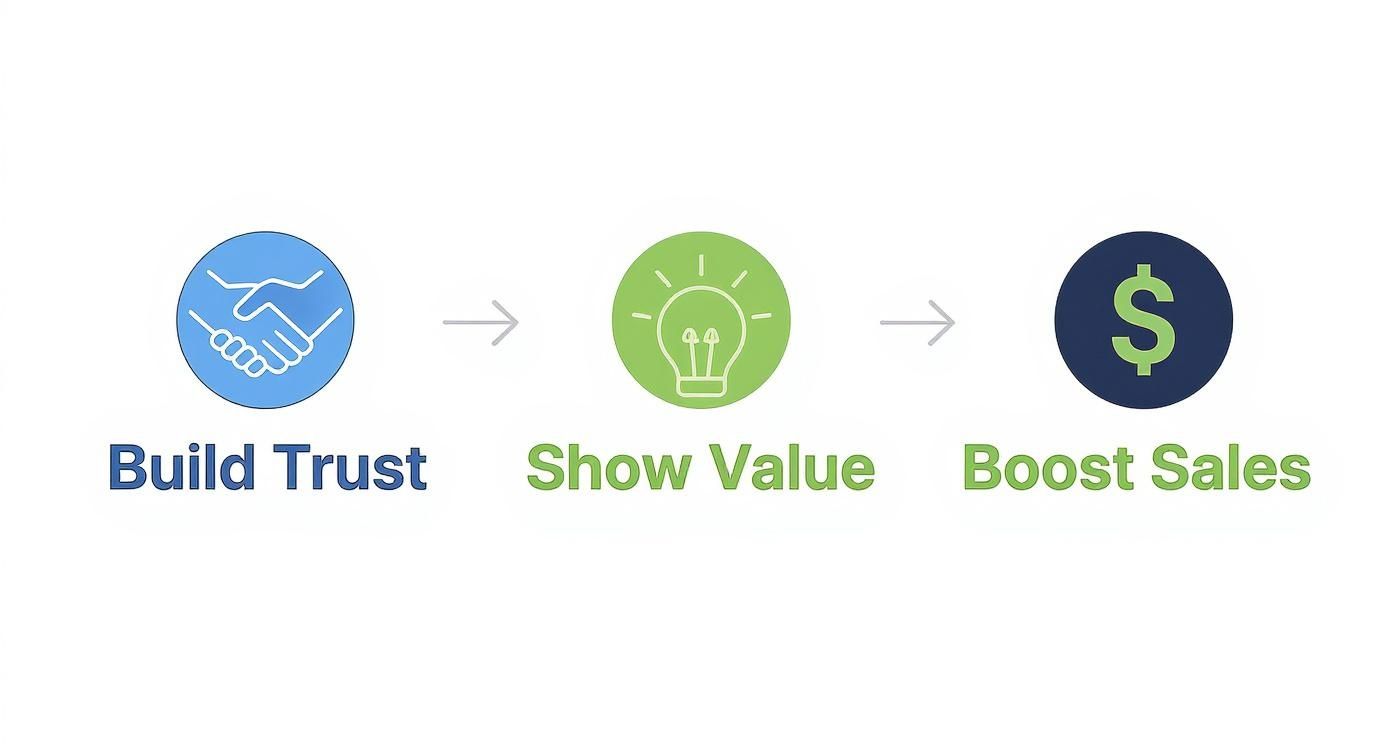
This simple flow—building trust, showing value, and driving sales—is the engine that turns a viewer's passive interest into an enthusiastic purchase.
Choosing Your Production Method: Filming vs. AI
Alright, you've got your plan locked down. Now for the big question: how are you actually going to make this video? Not too long ago, the only real option was to grab a camera and start filming, which came with its own set of headaches. Today, a powerful new path has opened up—AI video generation.
Your choice here is a big one. It's going to dictate your budget, how quickly you can get this done, and the creative ceiling for your project. Both methods have their moments to shine, and the right one for you really comes down to your product, your resources, and what you're trying to achieve.
Let's dig into both of these approaches.
The Traditional Filming Route
Getting started with DIY filming is more doable than ever. You don't need a massive studio or a Hollywood budget to create product videos that actually sell. Honestly, a modern smartphone, a bit of practical know-how, and a good eye for detail can get you surprisingly professional results.
If you decide to go this route, your entire project will live or die by two things: lighting and audio.
- Master Your Lighting: Nothing screams "amateur" faster than bad lighting. You don't need to drop a ton of cash on gear, either. Your best friend is a large window with plenty of natural daylight. Just position your product so it's evenly lit and you’re avoiding any harsh, distracting shadows.
- Prioritize Clear Audio: This is a big one. Viewers are surprisingly forgiving of slightly shaky video, but they will click away in a heartbeat if the audio is terrible. If you’re using a narrator or demonstrating a product that makes a distinct sound, an external microphone is non-negotiable. Even a cheap lavalier mic clipped to your shirt is a world of difference from your phone's built-in mic.
Traditional filming gives you total, hands-on control over every last detail. It's perfect for showing off the real-world, tactile experience of using a physical product. The trade-off? It takes time, physical space, and at least some basic gear.
The AI-Powered Generation Path
The other option is to jump into the world of AI video, a space that's completely changing how we create content. Instead of capturing footage, you're generating it from simple text prompts or still images. This approach unlocks a universe of creative possibilities, especially for digital products, conceptual ads, or brands that need to churn out content at a massive scale.
Tools like Saro2 give you a few different ways to bring your ideas to life, no camera needed.
- Text-to-Video: This is as direct as it gets. You write a detailed prompt describing the scene, style, and action you want, and the AI spits out a video clip to match. For example, a prompt like, "A sleek, minimalist animation of a new skincare bottle, with droplets of water slowly gliding down its side, studio lighting, hyper-realistic," can generate a high-end commercial shot in seconds.
- Image-to-Video: This feature is a game-changer for e-commerce stores. You can take your existing, static product photos and literally bring them to life. Imagine feeding the AI a great photo of your new running shoe and having it generate a video of the shoe rotating against a cool, futuristic background. It instantly adds a dynamic feel to your product pages.
Take a look at what's possible. This example shows just how realistic and cinematic modern text-to-video models have become.
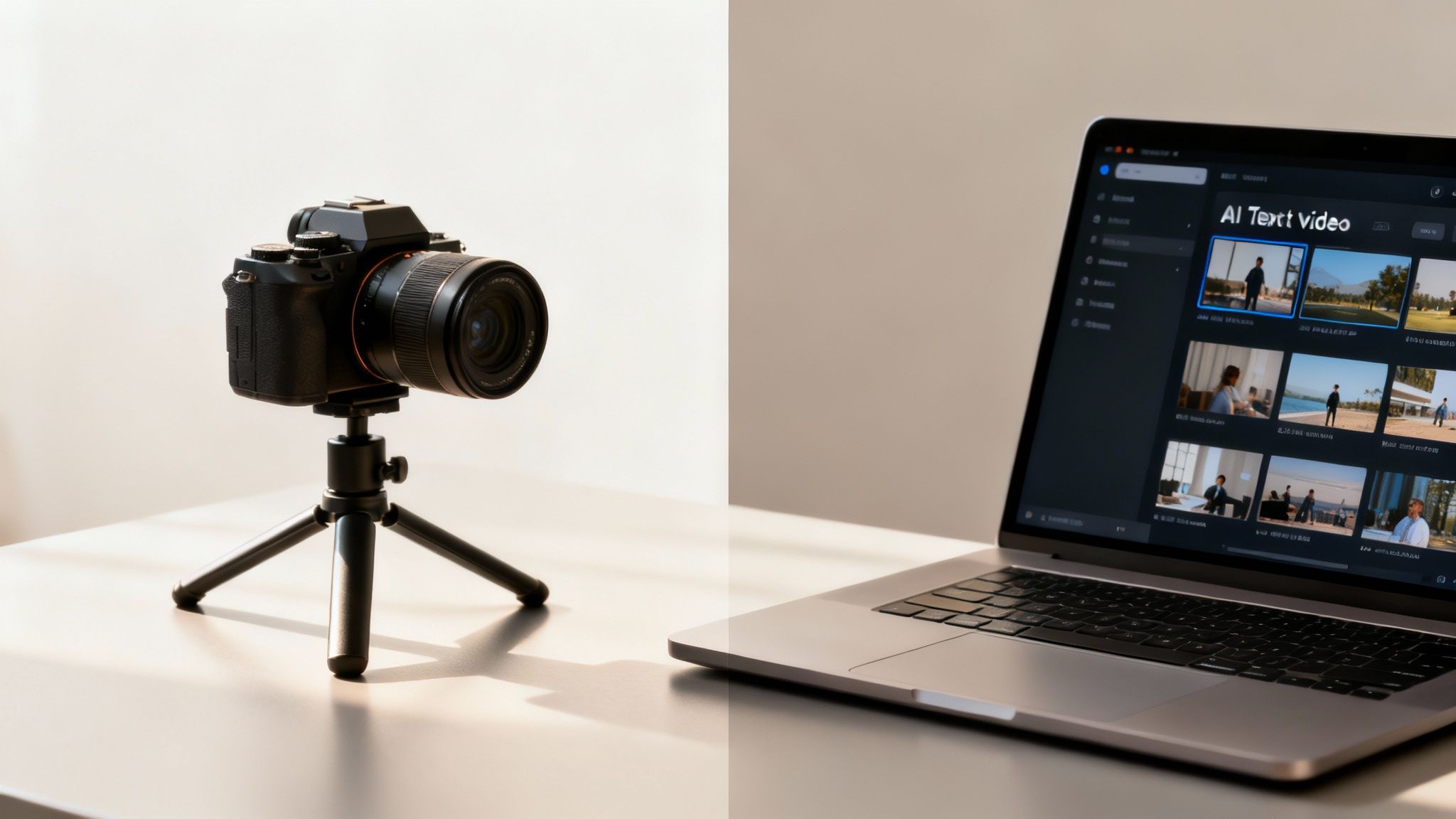
The incredible detail, from the reflections on the surface to the subtle textures in the environment, shows how AI can create scenes that would be wildly expensive and complicated to film for real.
Making the Right Choice for Your Brand
So, which way do you go? The truth is, it's not about one being "better." It's about picking the right tool for the job at hand.
Expert Tip: Don't think of it as an either/or decision. Consider a hybrid approach. You could film clean, simple shots of your product being used, then turn to AI to create a stunning, eye-catching intro or background animations that would be impossible to produce otherwise.
To help you weigh the options, here's a quick head-to-head comparison to help you decide which production method best suits your budget, timeline, and creative goals.
Traditional Filming vs. AI Video Generation
| Factor | Traditional Filming | AI Video Generation |
|---|---|---|
| Control | Full hands-on control over every visual and audio detail. | Control is through prompts; results can be refined but not manually adjusted frame-by-frame. |
| Speed | Can be slow, requiring setup, shooting, and extensive editing. | Extremely fast. You can generate clips in minutes, making it perfect for rapid prototyping and A/B testing. |
| Cost | Can involve costs for gear, locations, and potentially talent. | Typically a subscription-based model, offering predictable and often lower costs. |
| Creativity | Limited by physical reality, budget, and logistical constraints. | Nearly limitless. You can create fantastical, abstract, or physically impossible scenes with ease. |
Ultimately, knowing how to create killer product videos today means knowing which tool to pull out of your toolbox. Whether you're setting up a tripod by a window or crafting the perfect text prompt, the goal is always the same: tell a compelling visual story that connects with your customer and gets them to take action.
Editing Your Video for Attention and Action
Whether you have raw footage from a shoot or a fresh clip from an AI generator, that's just the starting line. The real magic, the part that turns a few scenes into a story that actually sells, happens in the edit. This is where you inject rhythm, personality, and a clear purpose into your video, transforming it from a simple clip into a high-performing asset.
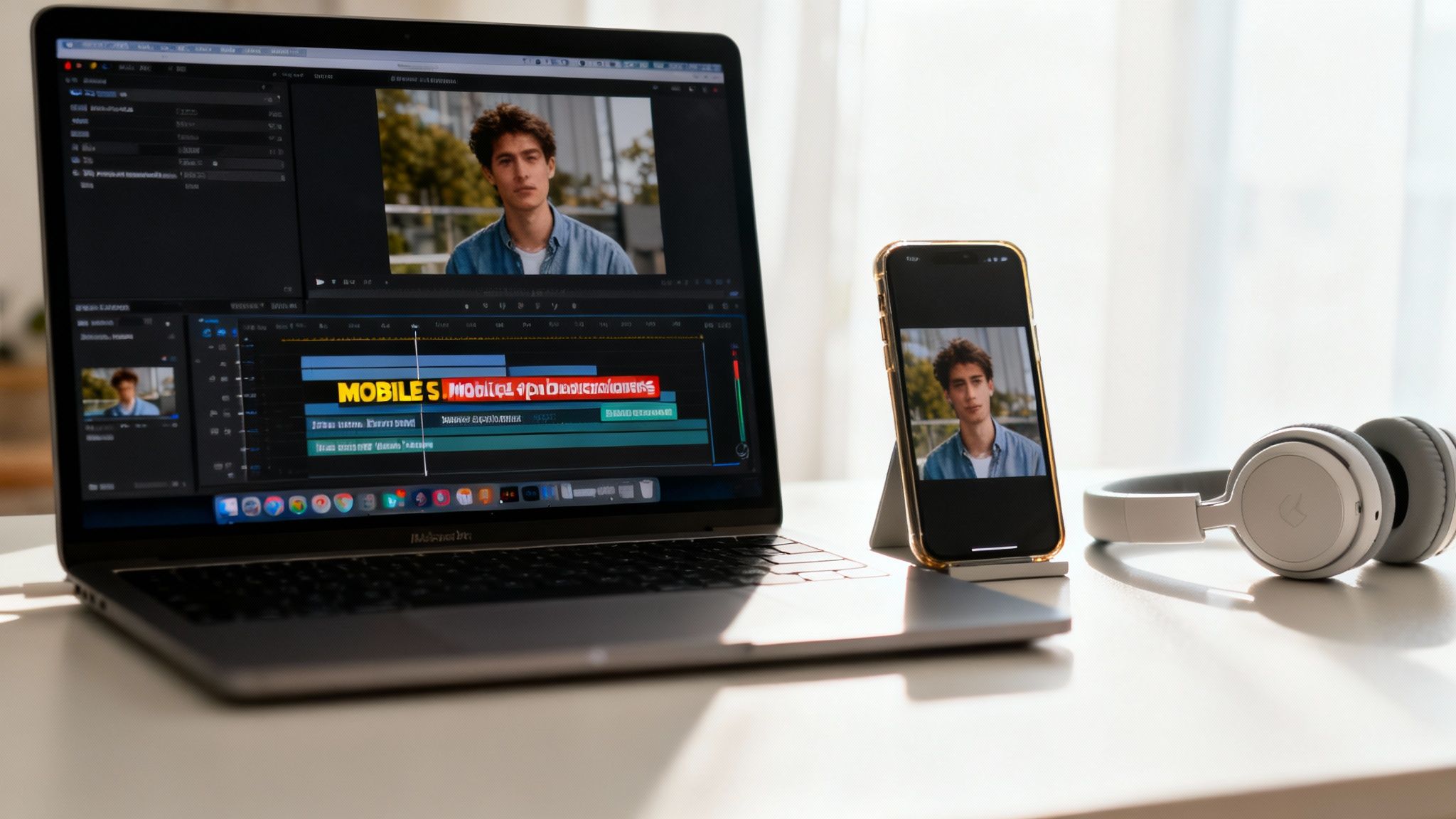
The first rule of editing for today’s audience? Respect their time. Seriously. Attention spans are brutally short, especially on platforms like TikTok and Instagram where the next video is just a flick away. Your editing pace has to match that reality.
Mastering the Pace for Mobile Feeds
Those long, cinematic pans and slow, lingering shots? Save them for a different project. The product videos that win on social media are built on quick cuts, dynamic transitions, and a constant stream of visual information that keeps people from scrolling. Every single frame has to earn its place.
Think of your edits as a beat. A rhythm. A good rule I stick to is changing the shot or camera angle every 2-3 seconds. That might sound frantic, but it’s not about creating chaos. It’s about making sure there's always something new for the viewer's eye to catch.
Here are a few techniques I use all the time:
- Jump Cuts: These are your best friend for creating energy. Cutting quickly between different takes of the same action pushes the story forward and keeps things feeling snappy.
- B-Roll is Your Secret Weapon: Cut away to close-up shots of your product's textures, a specific feature, or lifestyle clips showing it in action. This adds so much visual depth and breaks up the main shots.
- Edit to the Beat: Find a great piece of music and sync your cuts to the rhythm. It’s a simple trick that instantly makes a video feel more professional and incredibly satisfying to watch.
This fast-paced style is non-negotiable for platforms where you have maybe three seconds to hook someone. It’s a huge part of learning how to create product videos that don’t just get seen—they get watched all the way through.
Designing Captions and Calls to Action
Here’s a stat that should get your attention: a huge number of people watch social media videos with the sound off. If you’re not using captions, you’re basically whispering to a massive portion of your potential audience.
And please, don't just rely on the default auto-captions from the platform. Take control. Burn bold, easy-to-read captions directly into your video file. I always use a font that aligns with the brand’s style and make sure it’s big enough to read on a tiny phone screen. Tools like CapCut or Adobe Premiere Pro are great for adding animations or color pops to make key words stand out.
Key Takeaway: Your Call-to-Action (CTA) is the single most important text in your video. Don't save it for the last second. I’ve found it’s far more effective to weave it in visually around the halfway point and then state it clearly again at the end. Make the next step—"Shop Now," "Learn More," "Swipe Up"—completely obvious.
Finally, let's talk about export settings. It sounds technical, but getting it wrong means your beautiful video looks blurry and unprofessional. Getting it right is actually pretty simple.
Here’s a quick checklist for exporting crisp, high-quality video every time:
- Resolution: Always aim for at least 1080p (1920x1080). If you're posting to a platform like YouTube, don't hesitate to push it to 4K.
- Frame Rate: 30 frames per second (fps) is the sweet spot for a smooth, natural look on most platforms.
- Format: The MP4 format using the H.264 codec is the universal language of online video. It guarantees your file will play perfectly everywhere, from your Shopify store to every social feed.
How to Measure Your Video's True Performance
Once your video is live, the real work begins. Thinking you're done after hitting "publish" is a huge mistake. The only way to create product videos that actually move the needle for your business is to get comfortable with the data and figure out what's truly working.
It's time to stop chasing vanity metrics. A video with a million views but zero sales is just an expensive hobby. What you're after is the video with only a thousand views that drives 100 purchases. That’s the win. The whole point is to move from guesswork to a data-backed system you can count on.
This means you need to get obsessed with the numbers that signal real engagement and buying intent. When you know what to look for, you can build a repeatable strategy that generates a real return on your effort.
Key Metrics That Actually Matter
To really understand how your video is doing, you need to keep an eye on a few core metrics. These aren't just numbers; they tell a story about how your audience is reacting and whether your message landed.
-
Watch Time & Audience Retention: This is probably the most telling metric of all. High watch time means people are hooked. You need to dive into your audience retention graph and pinpoint the exact moments people are dropping off—those are the weak spots in your content.
-
Click-Through Rate (CTR): This is simple: out of everyone who saw your video, how many actually clicked your "Shop Now" link or CTA? A strong CTR shows your video isn't just entertaining; it’s persuasive.
-
Conversion Rate: Here's the bottom line. What percentage of viewers actually bought your product or signed up for your list after clicking through? This is the ultimate proof that your video is doing its job.
Using A/B Testing to Squeeze Out More Performance
Once you're tracking the right things, you can start making them better. A/B testing is your secret weapon here. It’s a straightforward method for testing one change at a time to see what improves your results, taking all the guesswork out of the equation.
Start with the low-hanging fruit. I always recommend testing the elements with the biggest potential upside first. You’d be shocked how much a simple thumbnail or headline change can lift your click-throughs and initial engagement.
Here’s how you can run your first A/B test without overcomplicating it:
-
Pick One Thing to Test: Let’s start with your thumbnail. Create two totally different versions. Maybe one uses bright, bold text, while the other features a close-up of a person using the product.
-
Run the Experiment: Use your platform’s built-in testing tools—most ad platforms and even YouTube have them—to show each version to different segments of your audience.
-
Find the Winner: Let the test run for a few days, then check your analytics. Which thumbnail got the higher CTR? That’s your winner.
-
Implement and Move On: Make the winning thumbnail your new default and immediately start thinking about your next test. You could try tweaking the first 5 seconds of your video or changing the wording of your call-to-action. Keep testing, and you'll keep improving.
Common Questions About Creating Product Videos
Diving into video creation for the first time always brings up a handful of practical questions. Let's get right to it and tackle some of the most common hurdles you'll encounter when you're just starting out.
What’s the Perfect Length for a Product Video?
This is the million-dollar question, and the answer is always: it depends on the platform. There's no one-size-fits-all magic number. You have to meet your audience where they are.
- Social Feeds (TikTok, Instagram Reels): You've got seconds, not minutes. Keep it under 60 seconds. Think quick, punchy, and get straight to the hook.
- Product Pages (Shopify): Here, you have a bit more breathing room. The sweet spot is usually 1-2 minutes. Shoppers on your site are already interested, so you have enough time to show off key features without losing their attention.
- In-Depth Content (YouTube): This is where you can go longer. Think detailed tutorials, unboxings, or deep dives. Viewers here have a higher intent and expect more substance, but you still have to make every second count.
Where Can I Find Music for My Videos Without Getting a Copyright Strike?
The last thing you want is for your video to get taken down because you used a popular song you don't have the rights to. Always, always use royalty-free music.
Services like Epidemic Sound or Artlist are my go-to recommendations. They have massive, high-quality libraries for a reasonable monthly subscription. If you're working with a smaller budget, don't overlook YouTube's own Audio Library—it has a surprisingly good selection of free tracks.
Just remember, the goal is to find music that fits your brand's vibe and lifts the video up, not distracts from your product.
The secret to a professional-looking video often comes down to the basics. A simple tripod to eliminate shaky footage, filming near a window for soft natural light, and using a small external microphone for clear audio will elevate your production value more than an expensive camera ever could.
Can I Really Make a Good Video with Just My Phone?
Yes, absolutely. The camera you have in your pocket right now is incredibly powerful.
Let me be clear: the difference between an amateur and a professional video isn't the camera—it’s the technique. Nail the fundamentals like lighting, stability, and clear audio, and you'll create something that looks far more polished than a video shot on a fancy camera with none of that.
Ready to create stunning product videos without a camera? With saro2, you can generate cinematic-quality ads from a simple text prompt or bring your static product photos to life with dynamic animation. Start creating for free at saro2.ai.