Mastering Sora 2 Video Generation for High-Impact Ads
Master the latest Facebook Ads video specs. Get precise dimensions, ratios, lengths, and file types for Feed, Reels, and Stories to maximize ad performance.
Creating high-performing video ads used to be a complex, resource-intensive process. Now, with the rise of AI video generators like Sora 2, the game has completely changed. The most critical factor for success is no longer just technical specs like aspect ratio (1:1 vs. 9:16) or file size. It's about leveraging powerful Sora 2 prompts to generate visually stunning, hyper-targeted content that's perfectly optimized for every ad placement, from a single text description.
By mastering the Sora 2 video generator, you can move beyond simple editing and start creating entire campaigns—from initial concept to final cut—at a speed and scale that was previously unimaginable. This ensures your video content is not just technically compliant but creatively compelling and perfectly aligned with modern AI video marketing strategies.
Your Quick Reference Guide to AI-Powered Video Ad Creation
Keeping track of technical specs for different platforms is a challenge. A video optimized for a TikTok feed needs a different approach than one for an e-commerce product page. You've got square formats, vertical formats, and everything in between. The real power of a tool like the Sora 2 text-to-video generator is its ability to create variations for each placement automatically.
If you mismatch your video's style or format to the platform, you're looking at low engagement, wasted ad spend, and content that feels out of place. Generating the right creative from the start is key.
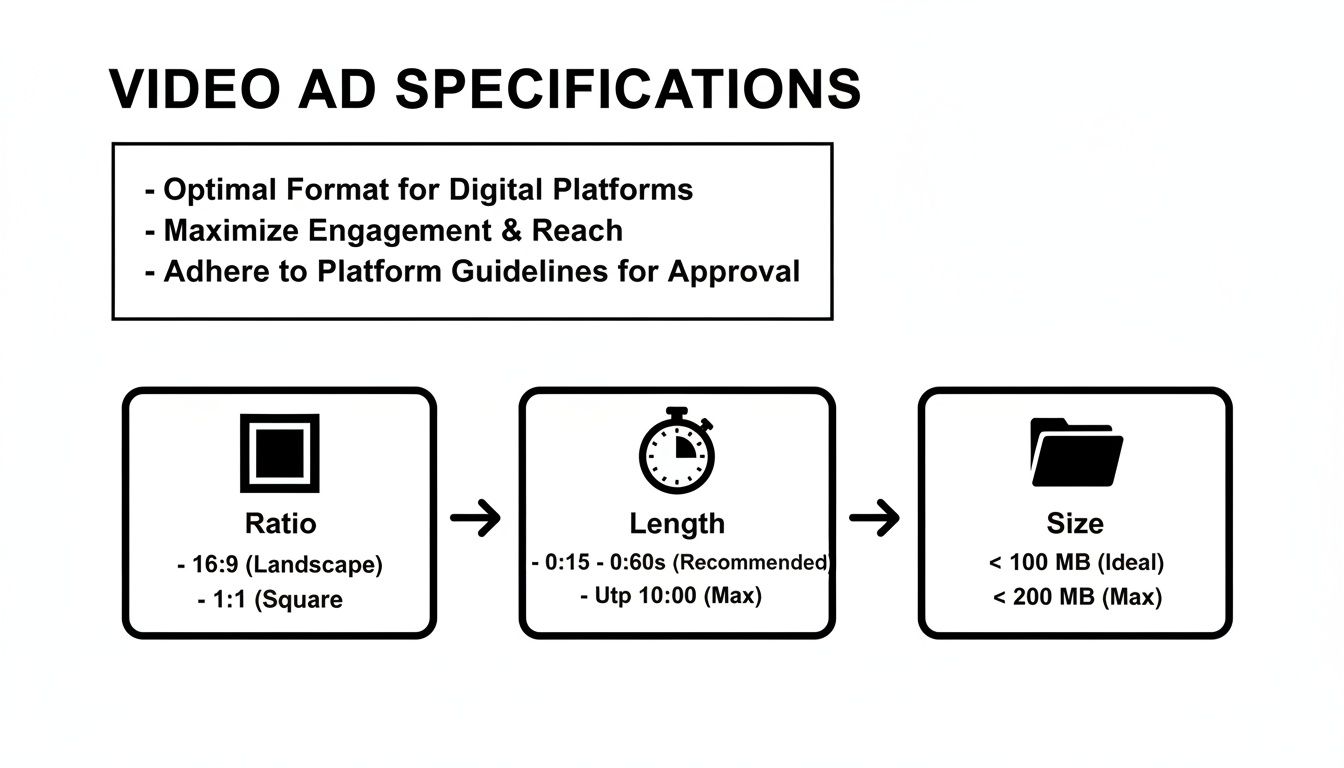
While the chart below shows traditional specs, remember that with Sora 2, you can specify these parameters in your prompt to generate the perfect asset for each placement.
Ad Placement Specs for AI Video Generation
| Placement | Recommended Resolution | Aspect Ratio | Common Video Length | Max File Size |
|---|---|---|---|---|
| Feed (Social Media) | 1080 x 1080 pixels | 1:1 (Square) | 15 – 60 seconds | 4GB |
| Stories & Reels | 1080 x 1920 pixels | 9:16 (Vertical) | 5 – 15 seconds | 4GB |
| TikTok Ads | 1080 x 1920 pixels | 9:16 (Vertical) | 5 – 60 seconds | 500MB |
| In-Stream (Skippable) | 1920 x 1080 pixels | 16:9 (Landscape) | 5 – 15 seconds | 4GB |
| Ecommerce Product Videos | 1080 x 1080 pixels | 1:1 (Square) | 30 – 90 seconds | 4GB |
Remember, this chart covers the technical targets. Viewer attention spans are short. Keeping your AI-generated ads concise and visually engaging is crucial. Tools like Sora 2 excel at creating short, punchy Sora 2 video examples that grab attention instantly. And if your generated file is too large, you can always use the best video compressor tools to optimize it without losing quality.
Why a Mobile-First AI Strategy is Non-Negotiable
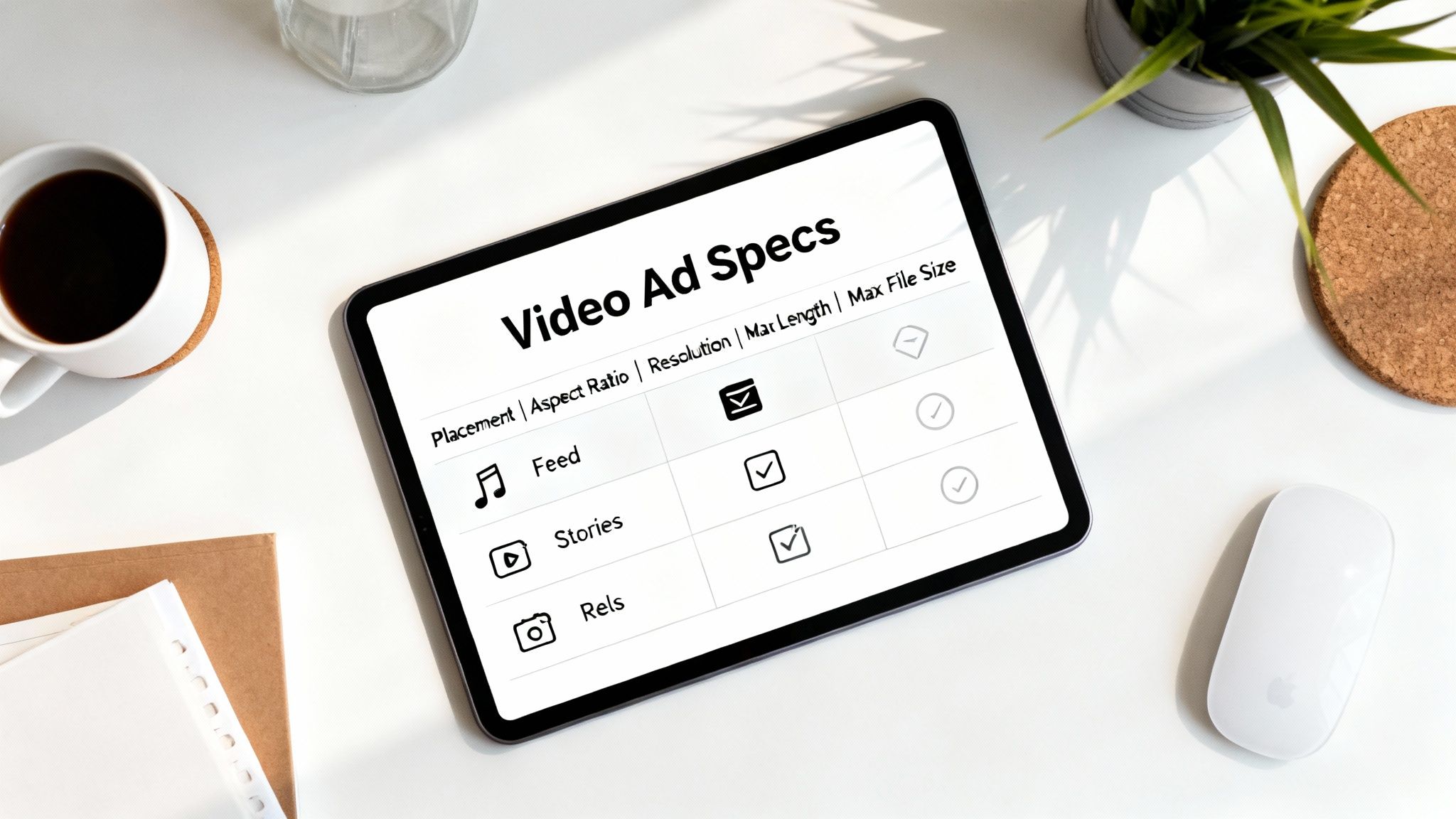
Knowing the technical specs is one thing, but truly effective creative comes from designing for how people actually consume video today. And that means everything is mobile-first. We are a culture of vertical scrollers. Video formats that fill the entire screen, feel native, and capture attention instantly consistently outperform everything else.
This trend has been building for years. The rise of mobile video, as documented in the history of Facebook ads, forced advertisers to adapt to new user behaviors, like watching with the sound off. This led to a reliance on captions, text overlays, and strong visual storytelling—principles that are now fundamental to creating effective AI-generated video.
Key AI Video Generation Principles for Mobile
To get results, your AI-generated videos must align with mobile viewing habits. This means making your content clear, fast, and visually powerful.
- Embrace Vertical Video: You must generate content in vertical formats (9:16 aspect ratio) for platforms like TikTok, Stories, and Reels. When your video fills the screen, it commands attention. With AI, you can prompt for this format directly.
- Design for Sound-Off Viewing: Assume no one will hear your ad. Your message has to land visually. Use prompts that include "bold text overlays," "animated captions," or "a story that's easy to follow without audio."
- Capture Attention Immediately: The thumb-scroll is your biggest enemy. You have 1-3 seconds to hook someone. Start your prompt with your most compelling action or visual to ensure the AI generates a powerful opening shot.
How Sora 2 Aligns with a Mobile-First Strategy
In the past, creating mobile-first content meant significant post-production work. Now, AI video generators like Sora 2 are built to solve these challenges natively. Instead of shooting wide and cropping, you can generate a perfectly optimized video directly from a text prompt.
For instance, a powerful prompt for Sora 2 for TikTok ads could be: "Dynamic 9:16 product video for a new sneaker, showing close-ups and fast cuts, with animated text overlays announcing a 24-hour sale." Sora 2 can generate a video that is not only visually engaging but also correctly formatted and designed for silent, mobile viewing, making it incredibly efficient to create high-performing content.
Mastering Sora 2 for Feed-Style Product Videos
The social media feed is a primary battleground for user attention. For your ad to succeed here, it must feel like a natural part of the scroll. This is where mastering the Sora 2 video generator to create compelling ecommerce and product videos becomes a significant advantage.
Unlike the immersive, full-screen experience of Stories, the feed is dominated by square (1:1) and slightly taller vertical (4:5) videos. These ratios command significant screen real estate on mobile devices without feeling disruptive. Using Sora 2 style models to generate content specifically for these formats ensures your video looks native and professional.
Technical Prompts for Feed Videos
Let's dive into the specifics of prompting for feed-ready videos. Getting these details right in your prompt will save you from frustrating edits and quality issues later.
- Recommended Resolution: Specify your desired output. A prompt should include phrases like "generate in 1080 x 1080 pixels" for a 1:1 square video or "in 1080 x 1350 pixels" for a 4:5 vertical format to ensure a crisp, professional look.
- Supported Aspect Ratios: Your prompt should explicitly state the required aspect ratio. Use "1:1 square aspect ratio" or "4:5 vertical aspect ratio" to guide the AI's composition.
- File Type and Size: While Sora 2 handles the output, it's good practice to aim for standard formats. Most AI generators produce MP4 or MOV files.
- Video Length: You can prompt for specific lengths. "Create a 15-second video" is more effective than letting the AI decide. For feed ads, shorter is almost always better.
Using Sora 2 for Perfect Feed Videos
When using AI for your ad creative, you can bypass many traditional editing headaches. A well-crafted Sora 2 prompt can build your video to the exact feed specs from the start.
A good prompt is everything. The AI doesn't just crop a wider scene; it composes the entire shot for a square or 4:5 frame, ensuring key elements are perfectly centered. This is a significant advantage over traditional methods.
For instance, a prompt for a Sora 2 text-to-video model could be: "Generate a 1:1 square product video for an e-commerce store, showcasing a luxury watch with elegant, slow-panning shots against a minimalist background." This gives the AI clear instructions on both the technical format and the creative style, delivering a polished ad ready to capture attention.
Optimizing Specs for Stories and Reels Ads
Stories and Reels are defined by fast, immersive, full-screen video. To succeed here, you must think vertically. These placements are built for the 9:16 world and are crucial for reaching audiences who consume content in quick, entertaining bursts. This is especially true when creating Sora 2 for TikTok ads or similar short-form content.
The only aspect ratio that truly works for Stories and Reels is 9:16. This full-screen vertical format is non-negotiable. It ensures your ad looks completely native and fills the entire mobile screen. Prompting Sora 2 for any other ratio for these placements is a recipe for an ad that feels out of place and gets skipped instantly.
Core Technical Specs for Stories and Reels
Always aim for the highest resolution possible in your prompts to ensure your final video looks sharp. Platform compression can be aggressive, so starting with a high-quality AI generation is key.
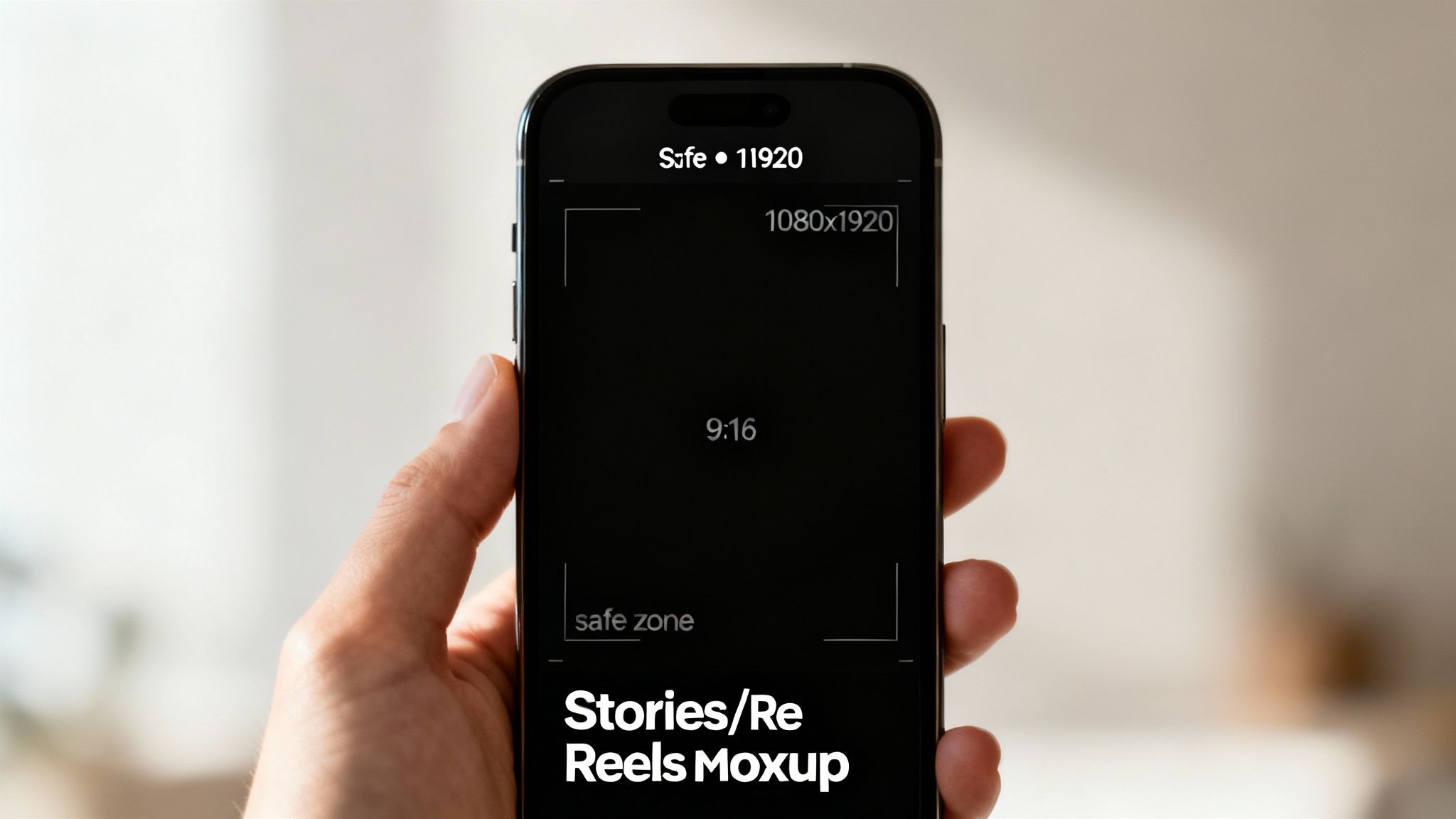
- Recommended Resolution: Your prompt should specify 1080 x 1920 pixels. This is the gold standard for high-definition vertical video and ensures your content looks great on any device.
- Video Length: While platforms allow longer videos, the sweet spot for ad performance is almost always under 15 seconds. Prompt for a short, punchy video: "Create a 10-second high-energy video."
- File Size & Type: The AI will output a standard MP4 or MOV file, which is ideal.
Pro Tip: When designing your prompt, consider the "safe zones." Although AI composes the scene, you can add instructions like "keep main subject in the center, leaving space at the top and bottom" to avoid having platform UI elements cover your key visuals or text.
Generating Vertical Ads with Sora 2
Creating native vertical video used to be a challenge. Awkwardly cropped horizontal videos were common and ineffective. AI video generators like Sora 2 have revolutionized this by composing the video in a 9:16 frame from the ground up.
You can write your Sora 2 prompts to explicitly request a vertical format and a specific style. For example: "A dynamic 9:16 video for a fashion brand, showing a model quickly changing between three different outfits with glitch transitions, perfect for a Reels ad." This tells the AI not just the technical dimensions but also the energetic, stylistic vibe needed for short-form content. Using this approach for your how to post Reels on Facebook strategy will yield far better results.
In-Stream and Carousel Ads: The Nitty-Gritty Details
While many marketers focus on feed and stories, other placements like In-Stream and Carousels offer unique opportunities. These formats catch users in different mindsets, and generic video content simply won't work. You must tailor your AI-generated creative specifically for these contexts.
In-Stream ads interrupt a user who is already watching a video, so your content needs to be instantly engaging. Carousels are interactive, inviting users to swipe and explore. This makes them perfect for creating a narrative sequence of Sora 2 video examples or showcasing a full product line.
In-Stream Video Ad Specs
For In-Stream placements, your ad should feel like a seamless part of the viewing experience. This often means a traditional landscape format with clear audio (as users likely have their sound on).
- Aspect Ratio: Prompt for 16:9 (landscape) or 1:1 (square). The 16:9 ratio generally feels more native in this context.
- Video Length: You have a tight window: 5 to 15 seconds. Your prompt should be very specific: "Generate a 10-second ad with a clear call-to-action."
- Resolution: Always ask for the highest resolution. For a 16:9 video, prompt for 1920 x 1080 pixels.
Carousel Video Ad Specs
Carousels are excellent for showcasing multiple products, features, or building a story across several slides. Each video acts as a card in a deck, and they must work together cohesively.
- Aspect Ratio: This is a strict requirement. Every video card must be 1:1 (square). Your prompt must specify this.
- Resolution: To ensure a sharp, clean look, prompt for at least 1080 x 1080 pixels for each card.
- Number of Cards: You can use 2 to 10 video cards. This is where planning your story is crucial.
This format is where a tool like the Sora 2 storyboard generator excels. You can create a multi-scene prompt to generate a sequence of 1:1 videos that flow perfectly from one card to the next, telling a cohesive story across the entire carousel and getting the creative right from the very beginning.
Troubleshooting Common Video Upload Issues
It happens to everyone. You've used the perfect prompt, generated a stunning video with Sora 2, and then... the platform rejects it. Or it uploads but looks pixelated. These frustrating issues are common, but they're usually easy to fix once you know what to look for.
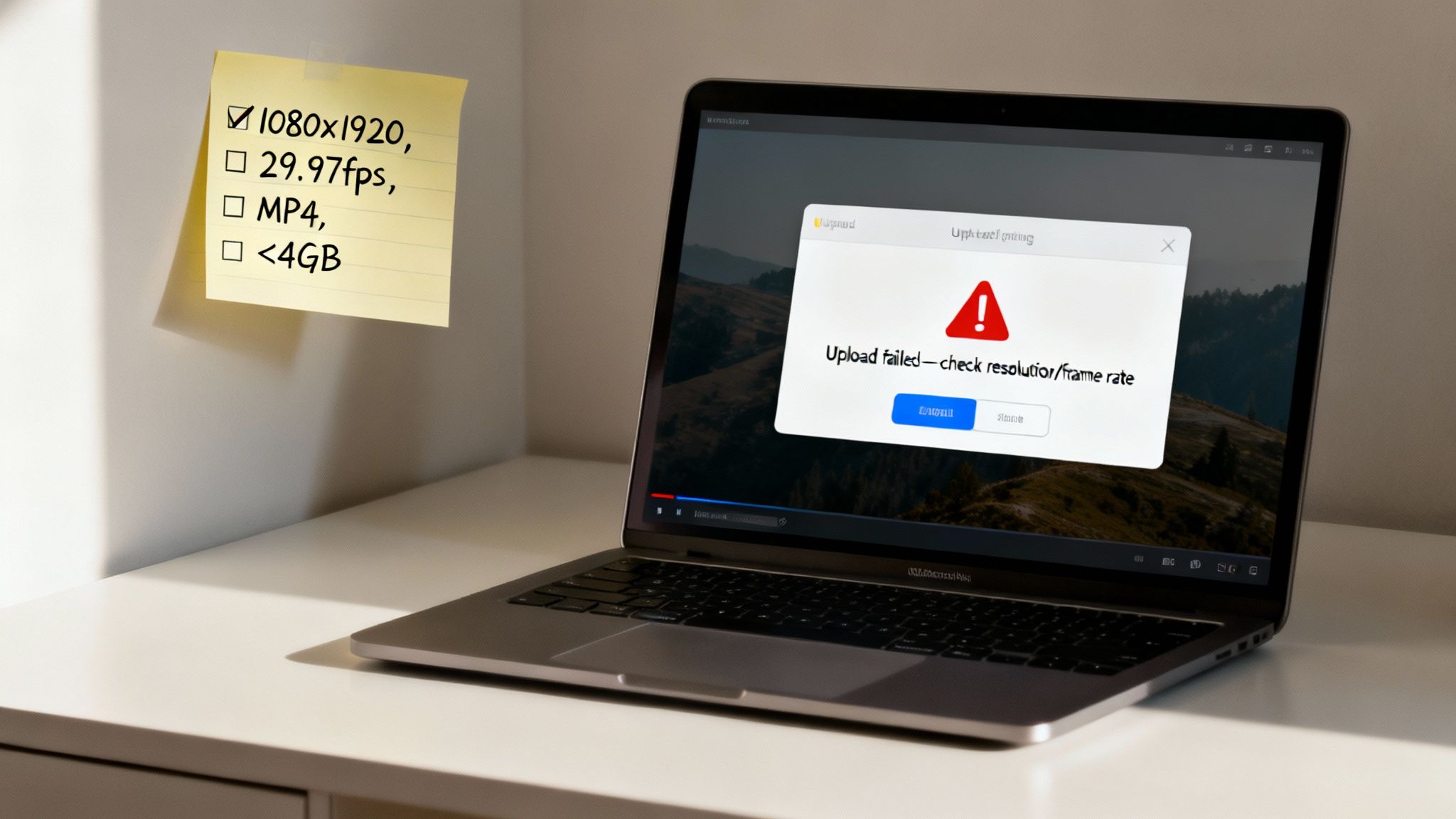
Most of these headaches come down to a few usual suspects. First, social media platforms have aggressive compression algorithms. If you upload a file that isn't optimized, the quality will be degraded. Another common issue is using a variable frame rate (VFR), which some AI tools might output by default, but which can cause stuttering and audio-sync problems on many ad platforms.
Fixing Blurry Videos and Rejection Errors
If your video is pixelated, blurry, or got rejected by an ad manager, run through this checklist. These are the most frequent technical issues.
Check Video Quality and Compression: The primary reason for a blurry video is the platform's own compression. The solution is to give it less work to do. Ensure your AI-generated video is exported at the exact recommended resolution (e.g., 1080x1080 for a feed ad). When you upload an optimized file, you minimize quality loss.
Confirm Your Frame Rate: Most platforms prefer a fixed frame rate, ideally 30 frames per second (fps). Variable frame rates are a common cause of rejection or sync issues. Check your video's properties and, if necessary, use a simple video tool to re-export it at a constant 30 fps.
Verify the Color Profile: This is a more subtle issue, but an incorrect color profile can make your video look washed out or oversaturated. The universal standard for web video is Rec. 709.
When all else fails, the most reliable fix is to regenerate your video. With a tool like Sora 2, you can often adjust settings or modify your prompt to specify the required codec and frame rate, guaranteeing a perfect upload every time.
Frequently Asked Questions
Even with powerful AI tools, certain questions about video specs and formats come up repeatedly. Here are quick, clear answers to the most common sticking points for AI-generated video ads.
What Is the Best All-Around Video Format for Social Media Ads?
For maximum compatibility, the MP4 file format is your best choice. Ideally, it should be encoded with the H.264 video codec and AAC stereo audio. This combination is the gold standard for web video and is handled best by nearly all ad platforms.
For dimensions, a 1:1 square aspect ratio at a 1080x1080 resolution is the most versatile option. It performs well in feeds and doesn't get excessively cropped in most other placements. Of course, using a tool like Sora 2 makes it easy to generate videos with these exact export settings.
Why Does My High-Quality AI Video Look Blurry After Uploading?
This classic problem is almost always due to the ad platform's aggressive compression. When you upload a video, their systems re-encode it to save space and ensure fast loading times. This process can significantly degrade quality.
To combat the blur, follow these best practices:
- Generate at the Recommended Resolution: Don't create a 4K video when the placement only requires 1080p. Match your AI generation prompts to the official specs.
- Lock in Your Frame Rate: Ensure your final video file has a constant frame rate, not a variable one. A solid 30 frames per second (fps) is the safest bet.
- Stick to the H.264 Codec: It's the most compatible and tends to withstand the compression process better than other codecs.
Can I Use the Same Sora 2 Video for All Placements?
Technically, you can, but it's a poor strategy. Each placement (Reels, Stories, Feed, etc.) has a unique user experience and aspect ratio. A vertical 9:16 video generated for the immersive feel of Stories or TikTok ads will look terrible in a square-dominated feed—it will be awkwardly cropped, losing its impact.
The winning AI video marketing strategy is to create custom variations for each key placement. Use Sora 2 to generate a 9:16 cut for Reels/Stories and a separate 1:1 or 4:5 version for the Feed. This simple step ensures your ad feels native and dramatically increases its chances of performing well.
With Sora 2, you can generate stunning, cinematic videos perfectly tailored to every ad placement. Describe your vision with text or an image and let AI create multiple aspect ratio variations for you, saving you time and maximizing your campaign's reach. Discover how easy it is at https://saro2.ai.