How to Make Professional Videos with Sora 2 AI
Learn how to make professional videos with this guide. Discover how AI tools, smart planning, and proven techniques can elevate your content production.
Making a professional video today is all about mixing timeless filmmaking principles with the revolutionary power of Sora 2 AI. The modern workflow still relies on a solid plan, but now we can supercharge the whole process. Think of using the Sora 2 video generator to create cinematic shots from text prompts, visualize storyboards in seconds, and produce incredible content for TikTok ads or product videos faster than ever before.
The New Blueprint for Professional Video Production
Let's be real: creating high-quality video used to be a massive undertaking. It meant expensive gear, a full crew, and a budget that made your eyes water. That era is over.
Today, "professional" means a smarter, more efficient approach that uses AI video generation to bring a creative vision to life without breaking the bank. This guide is your blueprint for that exact workflow. We’ll show you how the Sora 2 text-to-video model is completely changing the game, turning a simple idea into a polished final product for your e-commerce brand or TikTok ad campaign.
This diagram lays out the modern video creation process, showing a direct path from idea to a professional video, with Sora 2 style AI acting as a central accelerator.
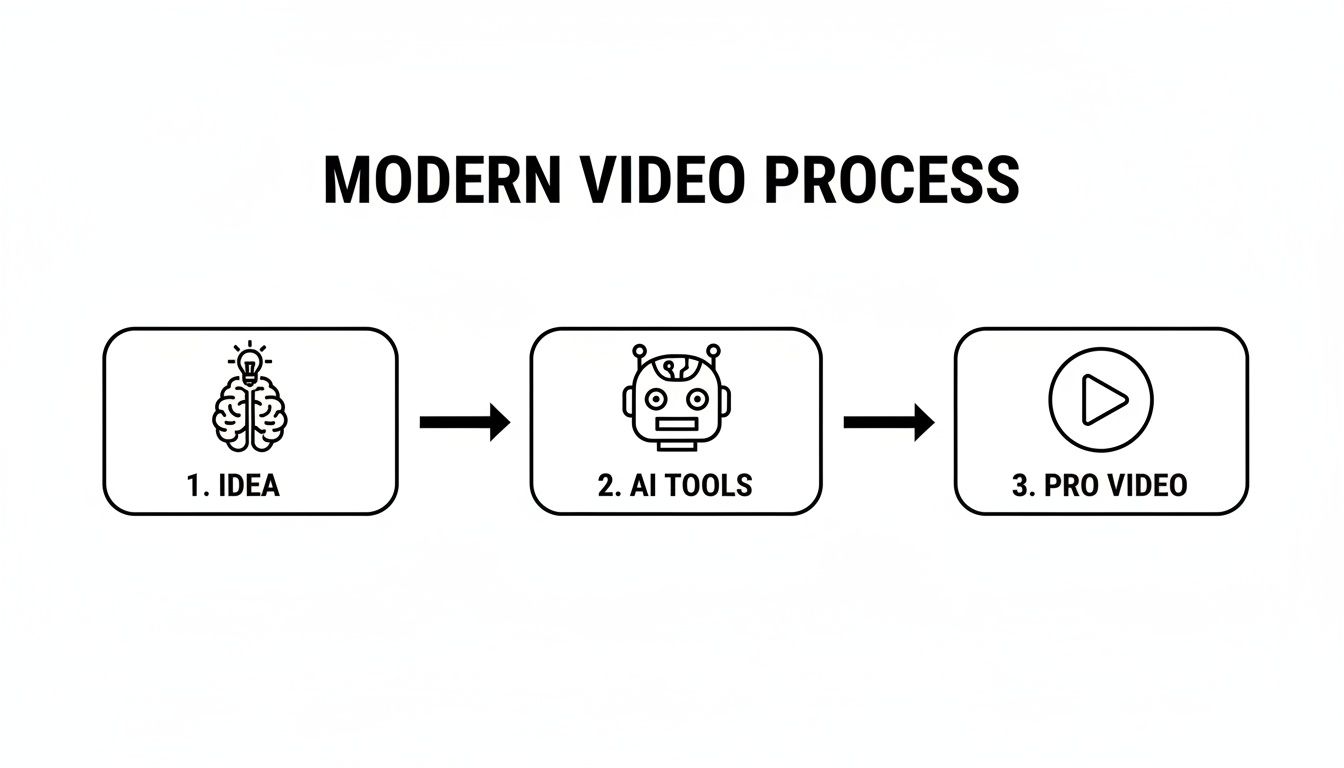
As you can see, AI isn't just some gimmick for post-production anymore. It’s now an integral part of the creative engine, closing the gap between a rough concept and a tangible, beautiful piece of content.
Why Video Quality Is No Longer Optional
Over the last ten years, video went from a "nice-to-have" marketing piece to a core engine for business growth. Quality isn't just a bonus if you want professional-looking content that actually converts.
According to a long-running survey from Wyzowl.com, a staggering 89% of consumers say video quality directly impacts how much they trust a brand.
For TikTok sellers, Shopify brands, and performance marketers, that number points to a simple truth: professional video isn't just about looking good. It’s statistically tied to trust, conversion rates, and revenue. This means focusing on:
- Cinematic Framing: Composing your shots thoughtfully, a skill as relevant for prompts as for cameras.
- Strong Storytelling: Weaving a clear narrative that connects with people on an emotional level.
- On-Brand Motion Graphics: Using cohesive visual elements that reinforce your brand identity.
- Sora 2 for Product Videos: Leveraging text-to-video generators to produce high-end visuals at scale.
To see what this looks like in practice, let's break down the core elements that define a "professional" video in the age of Sora 2.
Core Elements of a Modern Professional Video
| Element | Why It Matters for Viewers | How Sora 2 Accelerates It |
|---|---|---|
| Crisp Visuals | High-resolution, well-lit footage signals quality and credibility. Blurry or dark video feels amateur. | Sora 2 video examples show it can generate photorealistic, cinematic B-roll from a simple text prompt, eliminating the need for some shoots. |
| Clear Audio | Bad audio is a dealbreaker. If viewers can't hear you clearly, they'll leave. It's more important than video quality. | AI tools can remove background noise, balance audio levels, and even clone a voice for clean narration over your Sora 2 generated visuals. |
| Engaging Story | A compelling narrative holds attention and makes the message memorable. It's the difference between an ad and content. | The Sora 2 storyboard generator can help brainstorm script ideas, generate visual concepts, and suggest narrative arcs to test. |
| Polished Editing | Smooth transitions, well-paced cuts, and clean graphics create a seamless viewing experience that feels professional. | AI-powered editors can suggest cuts based on music beats, auto-generate captions, and create motion graphics for your Sora 2 clips. |
Ultimately, these elements work together to build viewer trust and drive action, and AI video generators like Sora 2 are making it easier than ever to get them right.
The biggest shift in video production isn't about better cameras; it's about smarter workflows. Sora 2 doesn't replace creativity—it amplifies it, allowing you to test ideas, generate complex scenes, and achieve a professional look without the traditional overhead.
This new blueprint empowers creators and marketers to focus on the story and the strategy, leaving much of the heavy lifting to increasingly capable AI. It’s about working smarter, not harder, to create videos that captivate and convert.
Laying the Groundwork: Story, Script, and AI-Powered Planning
Every truly great video starts long before the AI generation begins. This is the pre-production phase, the critical groundwork where you figure out your story, and frankly, it's what separates a professional video from one that just feels… off. Think of it as the difference between having a vague idea and building a concrete plan designed to get a specific result.
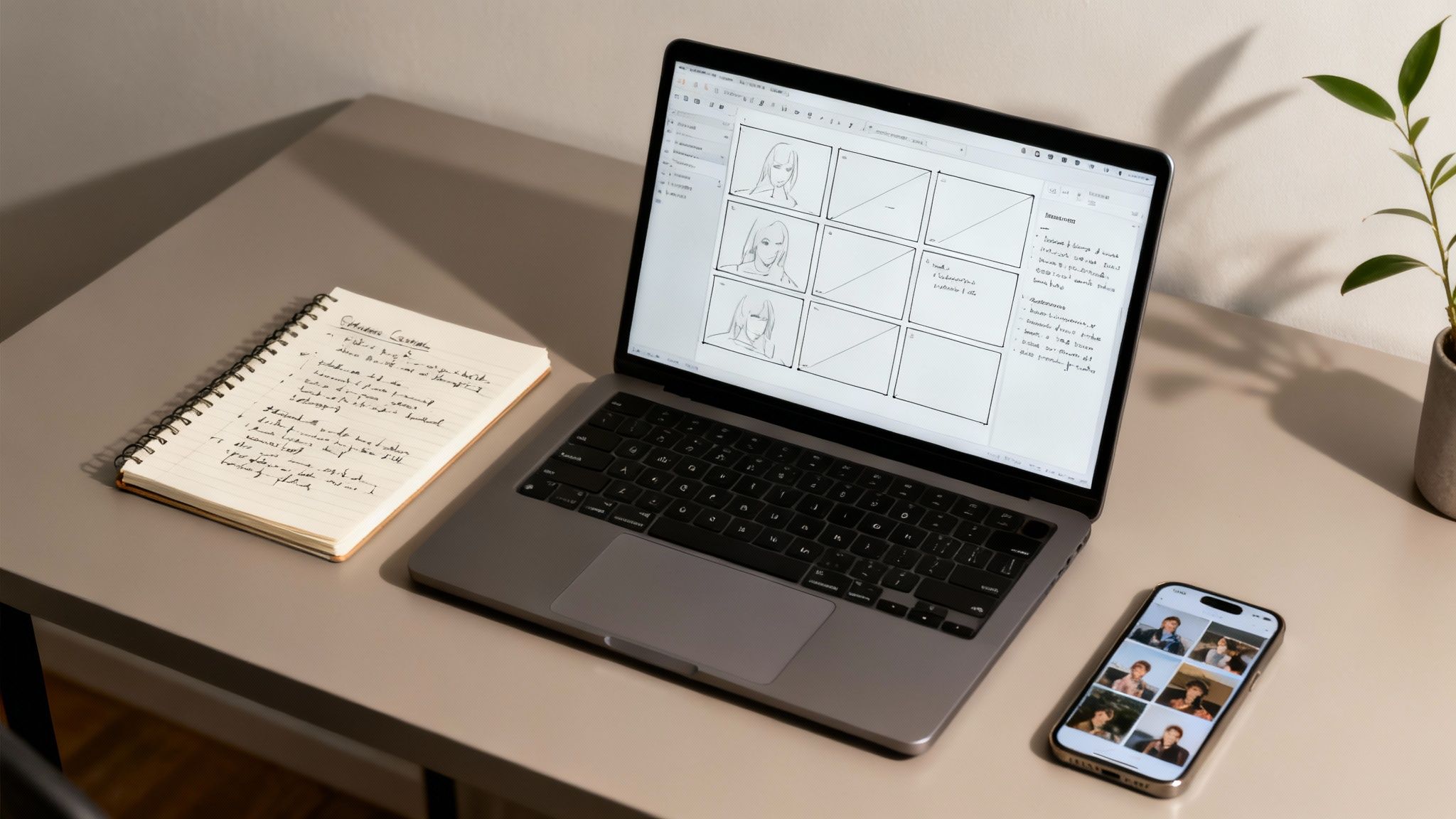
Before you do anything else, you have to ask the hard questions. What’s the one thing you absolutely need your audience to remember? What do you want them to do after they finish watching? A clear goal acts as your compass, guiding every decision from your Sora 2 prompts to the final edit.
For instance, a punchy Sora 2 for TikTok ads campaign has a completely different mission than a detailed product tutorial. The ad needs a killer hook to stop the scroll and drive a click, fast. The tutorial, on the other hand, is all about building customer confidence. Nailing this purpose upfront is the absolute foundation of how to make professional videos that deliver real-world results.
Turning Ideas Into a Real Script
With your goal locked in, it’s time to get scripting. A "script" doesn't have to be a 50-page screenplay. It can be a simple outline of your main points and the visuals you want Sora 2 to create. The key is to provide structure and write in a way that sounds like an actual human being, not a corporate robot.
Here's a pro tip: read your lines out loud. Seriously. Does it sound like something you’d actually say to a friend? If it feels clunky or stiff, it’s time for a rewrite.
When talking about products, always focus on the benefit, not just the feature. Instead of saying, "This device has a 5,000 mAh battery," frame it as, "You can go all day without ever thinking about a charger." See the difference? One is a spec; the other is a feeling.
This is also where AI is becoming a massive asset. Tools like the Sora 2 storyboard generator are completely changing how we translate a script into a visual plan before generating a single frame of video.
Pre-production isn't just a checklist to avoid mistakes; it's a creative sandbox. Using Sora 2 to generate visual ideas early lets you find your story's soul, saving you a fortune in time and money you might otherwise spend trying to "fix it in post."
By creating key shots from your script, you can play with different angles, lighting styles, and pacing. This isn't just a neat trick—it’s a practical way to de-risk the entire project and make sure your vision works on screen.
Building Multi-Scene Storyboards with AI
A storyboard is your video’s blueprint. It’s a shot-by-shot map of how everything will look. Traditionally, this meant hours of sketching or hunting for stock photos. Now, AI can do it for you in seconds.
Let’s say you're making a video for an e-commerce brand. Your script has three basic beats:
- A customer is struggling with a relatable problem.
- They discover your product, and it’s that "aha!" moment.
- Life is better now, thanks to your product.
With a tool that mimics what Sora can do, you feed these simple scene descriptions directly into a storyboard generator. Your prompts can be super straightforward:
- Scene 1: "A person looks stressed out at a cluttered home office desk, cinematic lighting, shallow depth of field."
- Scene 2: "Close-up on a hand unboxing a sleek, modern gadget. The person’s expression is one of relief and excitement."
- Scene 3: "Wide shot of the same desk, now perfectly organized and stylish. The person is smiling, working happily."
In a few moments, you have a visual breakdown of your entire video. You can immediately see if the flow works, spot potential problems, and share a crystal-clear vision with your team. This allows you to experiment with different visual tones and refine your Sora 2 prompts to perfectly match your brand's aesthetic. This kind of AI-driven planning is a game-changer, making high-level cinematic pre-visualization accessible to creators at any skill level.
Mastering the Essentials of Light and Sound
Great planning is half the battle, but what really separates amateur clips from polished, professional productions often boils down to two things: light and sound. These aren't just technical details for Hollywood studios. Getting a handle on them is the single biggest leap you can take to elevate your videos, whether they're shot on a camera or generated with Sora 2.
Let's break down the essentials.
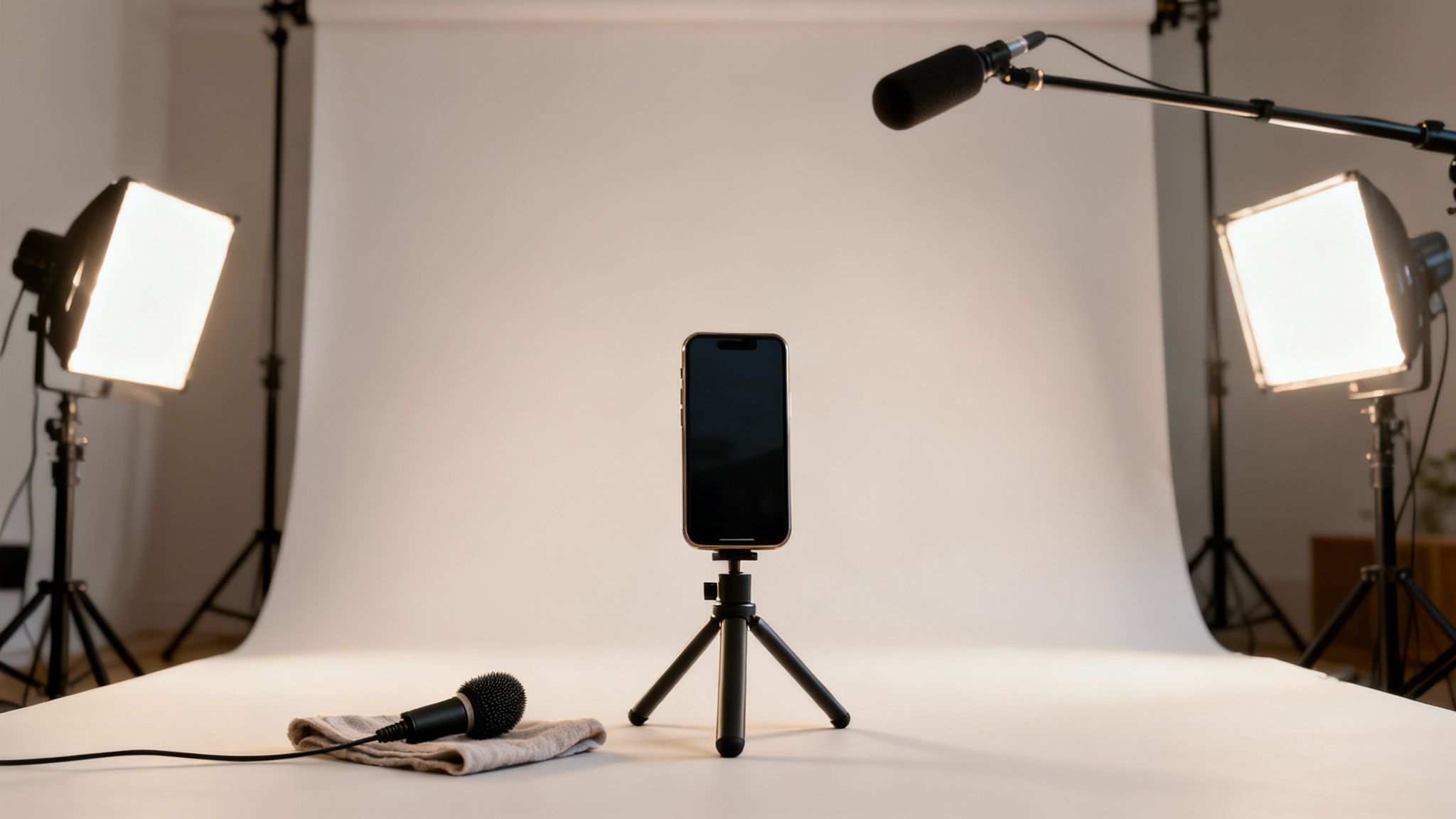
You don’t need a massive budget to get this right. In fact, many professional results now come from well-crafted text prompts. We’ll cover how to control these elements in your AI generations and in the real world.
Your Camera and Gear vs. AI Generation
Before we even get to lights, let's talk about image capture. Here's the new reality: for many shots, the best "camera" is an AI prompt.
However, if you're shooting live-action footage to combine with AI clips, here’s what to consider:
- Mirrorless Cameras: These are a significant step up from a phone. They give you access to interchangeable lenses, which unlocks creative control over things like depth of field and composition. Brands like Sony and Canon are industry leaders.
- Tripods: A shaky camera is a giveaway of an amateur video. A sturdy tripod is non-negotiable for stable, professional live-action shots.
- Gimbals: For any shot that needs to move, a gimbal creates those silky-smooth tracking shots that look incredibly high-end.
This is where AI becomes a game-changer. If you need a complex crane shot or an epic aerial view but don't have a drone, you can simply generate it. A Sora 2 text-to-video prompt like, "cinematic drone shot flying over a modern house at sunset," can produce a high-quality clip you can edit right into your project, a powerful alternative to expensive gear.
The Art of Three-Point Lighting in Prompts
Lighting literally shapes how your audience sees everything on screen. Bad lighting makes things look cheap, while good lighting adds depth and quality. The industry standard is called three-point lighting, and you can describe it in your AI prompts.
- Key Light: Your main light source. It's the brightest.
- Fill Light: A softer light on the opposite side to "fill in" shadows.
- Back Light: Creates a subtle rim of light to separate the subject from the background.
When prompting Sora 2, don't just describe the subject. Describe the light. Use phrases like "soft three-point studio lighting," "dramatic side lighting from a window," or "golden hour sunlight" to control the mood and professionalism of the shot.
Understanding this basic setup is critical for how to make professional videos. You can guide a generator by including lighting descriptions in your prompt—something like "studio lighting, three-point setup, soft shadows"—to get a scene that looks intentionally and professionally lit.
Capturing Crystal-Clear Audio
I'm going to say it one more time because it's that important: viewers will forgive mediocre video, but they will not tolerate bad audio. Since Sora 2 doesn't generate audio, this is one area where traditional gear is still essential for voiceovers or live scenes. An external microphone isn't a luxury; it's a must-have.
Here’s a quick rundown of the most common options:
| Microphone Type | Best For | Why It Works |
|---|---|---|
| Lavalier (Lapel) Mic | Interviews, talking-head videos, tutorials | It clips right onto your shirt, capturing your voice up close while minimizing room echo and background noise. It's discreet and incredibly effective. |
| Shotgun Mic | On-the-go filming, vlogging, events | This mic mounts on top of your camera and picks up sound from wherever you point it. It's great for isolating a sound source from a distance. |
| USB Mic | Voiceovers, podcasts, screen recordings | Just plug it into your computer for studio-quality sound. This is the go-to for recording narration to lay over your Sora 2 generated videos. |
If you can, always monitor your audio with headphones while you record. What you hear through the camera's tiny built-in speaker is not what the final audio will sound like. Catching audio issues in the moment will save you a world of pain later.
Filming Techniques That Create Visual Impact
You’ve got your plan, your lighting prompt is dialed in, and your audio is ready to go. Now for the fun part: creating the video. This is where you transform a simple prompt into a compelling story. The way you frame your shots and move the "camera" is what elevates your content from amateur to professional, guiding the viewer's eye and sparking an emotional connection.
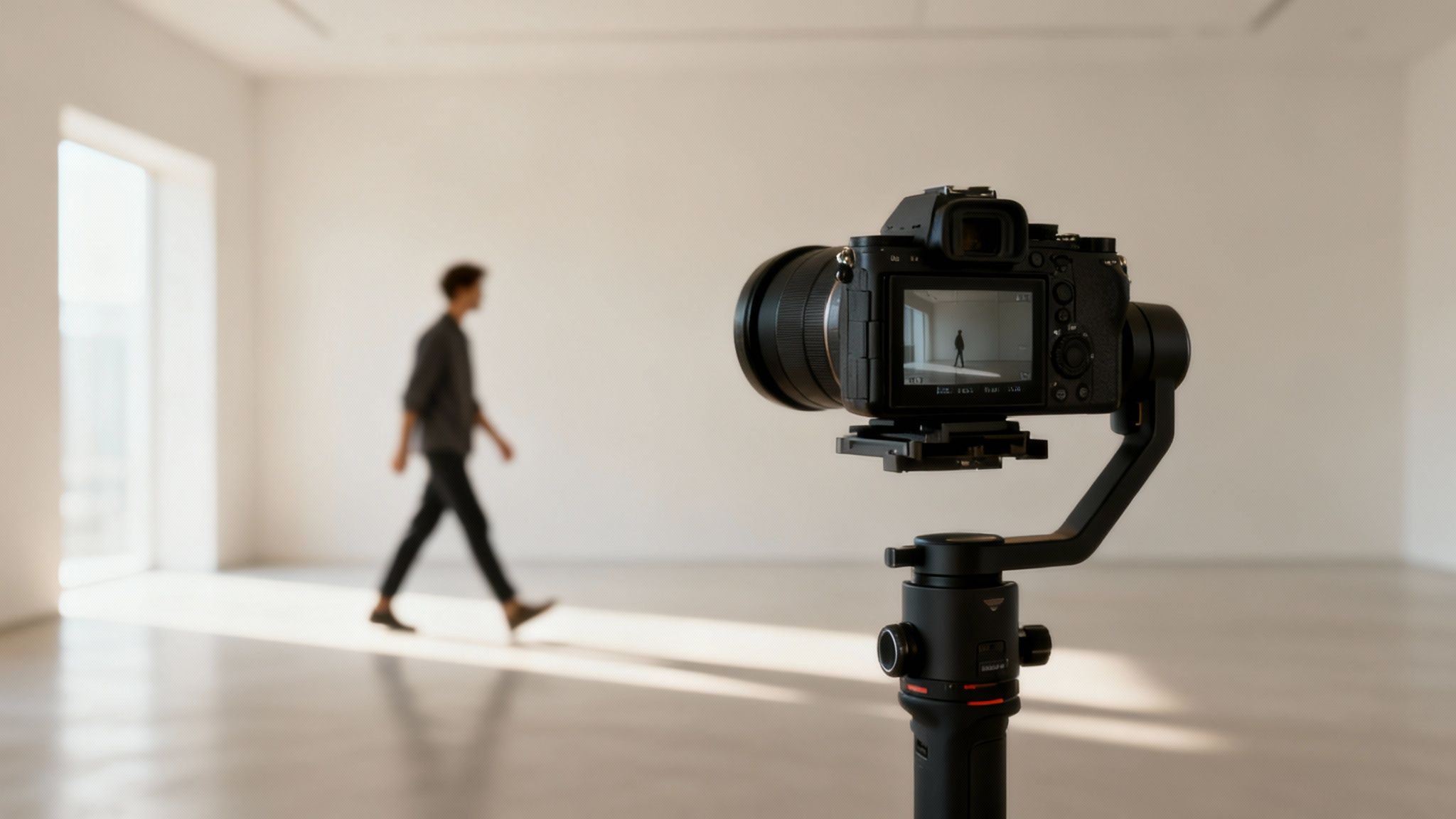
You don't need a Hollywood budget to make this happen. Just understanding a few core principles of filmmaking will instantly make your AI-generated videos look more polished and intentional.
The Power of Composition
Composition is the art of arranging everything within your shot. It’s about thinking like a director instead of just describing a scene. Where is your subject? What's happening in the background? What do you want people to focus on?
Getting this right isn't complicated. A few classic rules make a world of difference in your prompts:
- Rule of Thirds: Picture a 3x3 grid over your screen. Instead of placing your subject in the middle, specify it in your prompt. For example: "A man on the left third of the frame..."
- Leading Lines: Look for natural lines in your environment and include them. "A road with leading lines draws the eye to a car in the distance."
- Framing: Use elements in the foreground to create a "frame within a frame." Think "shot through a doorway looking at a couple dancing."
These fundamentals are essential when working with AI. As you craft prompts for tools like Sora 2, you can bake these concepts right in. Don't just ask for "a woman drinking coffee." Instead, try "a woman drinking coffee, sitting by a window, framed using the rule of thirds, cinematic." You're giving the AI a director's instructions.
Intentional Camera Movement
How the "camera" moves—or stays perfectly still—is another powerful storytelling tool you can control with prompts. The right movement can build tension, create a sense of calm, or reveal key information.
Your camera's movement should always have a purpose. Ask yourself: Why am I moving the camera? If you don't have a good answer, specify a static or tripod shot in your prompt.
Here’s a quick guide to common movements and how to prompt for them:
| Movement Type | Best Used For | How to Prompt It |
|---|---|---|
| Static Shot | Interviews, product shots, tutorials | "Static shot," "tripod shot," "locked-off shot." |
| Pan or Tilt | Revealing a landscape, scanning a product | "Slow pan from left to right," "camera tilts up to reveal a skyscraper." |
| Tracking Shot | Following a character, showcasing a feature | "Smooth tracking shot following a runner," "dolly shot moving alongside a car." |
| Push-In | Emphasizing an emotion or detail | "Slow push-in on a character's face," "dolly zoom." |
Not long ago, pulling off these shots meant expensive sliders, dollies, or cranes. Today, a well-written Sora 2 text-to-video prompt like, "smooth tracking shot following a runner through a forest at dawn," can generate a complex, high-production shot in minutes.
Integrating AI for Cinematic Shots
This is where the game is really changing. The old rules around budgets and production are being rewritten by AI. A traditional corporate video can easily run $2,000–$5,000, and with 46% of marketers pouring up to a third of their budget into video, the pressure to produce quality content is immense. AI video marketing strategies offer a path to reduce costs while increasing output.
For Shopify and DTC brands, this is a massive opportunity. Tools that generate video from text can genuinely replace a slice of that production spending without sacrificing quality. You can read more about how AI is reshaping video production budgets and find ways to make it work for your business.
Instead of hiring a drone operator for an epic aerial shot, you can generate one with Sora 2. Instead of renting a pricey lens for that beautiful, blurry background, you can specify "shallow depth of field" in your prompt. This allows you to mix AI-generated B-roll seamlessly with your live-action footage, filling production gaps and adding a level of visual flair that used to be out of reach for most brands.
Bringing It All Together in the Editing Room
Post-production is where the magic really happens. This is the final and most crucial phase where all your raw footage and Sora 2 generated clips get sculpted into a polished, professional video. It's where you assemble the story, fine-tune the pacing, and add the layers of visual and audio polish that will hook your audience.
The editing process is so much more than just slapping clips together. Every choice you make—from the rhythm of your cuts to the emotional tone set by color and sound—shapes the final narrative.
Assembling Your Story and Pacing
The first thing you’ll do in any edit is an "assembly cut." Just get all your clips onto the timeline in the right order, following your script or storyboard. The whole point is just to build the basic skeleton of your video.
Once the assembly is in place, you can start trimming. This is where you’ll shorten or lengthen clips to nail the pacing. Pacing is the heartbeat of your video—a high-energy Sora 2 for TikTok ads video will demand quick, punchy cuts, while a detailed product tutorial might need longer takes.
This is also the perfect time to weave in your B-roll. B-roll is any secondary footage that adds visual context to what’s being said. For instance, if your main shot is someone talking about your product, your B-roll could be:
- Close-up shots of the product’s most important features.
- Lifestyle clips showing a real person happily using the product.
- AI-generated scenes from a Sora 2 video generator to illustrate an abstract concept or feeling, like a cinematic shot of a sunset to create a sense of peace.
Using B-roll effectively is a game-changer. It breaks up the monotony of a single shot and makes your video far more engaging.
Elevating Visuals with Color Correction and Grading
Color is an incredibly powerful tool for setting the mood. The process has two parts: color correction and color grading.
Color correction is technical. It’s about fixing problems and making your footage look natural and consistent, especially when matching live-action shots with Sora 2 clips.
Color grading is artistic. This is where you apply a specific "look" or style to your video to evoke an emotion. Think of the cool, desaturated blues in a sci-fi thriller or the warm, golden hues in a nostalgic story. A consistent color grade makes your video feel cohesive and professional.
Think of color correction as fixing the recipe and color grading as adding the final seasoning. One ensures the foundation is solid; the other gives the dish its unique flavor and personality. Getting both right is a hallmark of professional video production.
The Final Polish: Sound Design and Graphics
What your audience hears is every bit as important as what they see. Sound design is the art of layering audio to create a rich, immersive experience over your Sora 2 visuals.
You’ll want to add:
- Music: A well-chosen music track can completely transform the emotional impact of a scene.
- Sound Effects (SFX): Subtle sound effects make the video feel more tangible and dynamic.
Motion graphics are the final layer of professional polish. This includes things like animated text for your video's title, lower-thirds to introduce a speaker, or a simple animated logo at the end (your "outro"). These small touches reinforce your brand and help guide the viewer's attention.
Exporting for Maximum Quality on Every Platform
After all that hard work, the last thing you want is for your video to look pixelated and blurry. Your export settings are critical.
| Platform | Recommended Resolution | Aspect Ratio | Key Consideration |
|---|---|---|---|
| TikTok | 1080x1920 | 9:16 (Vertical) | High bitrate is crucial. Perfect for vertical videos created with Sora 2 for TikTok ads. |
| YouTube | 1920x1080 or 4K | 16:9 (Horizontal) | YouTube rewards higher resolution. Exporting in 4K can even make your 1080p playback look sharper. |
| Shopify | Up to 4K | Varies (16:9, 1:1) | Optimize file size for fast page loading. Sora 2 for ecommerce videos should be compressed effectively. |
Here’s a pro tip: always export a master file in the absolute highest quality possible first. From that master file, you can then create smaller, optimized versions for each specific platform. This workflow ensures you’re always starting from the best possible source, making your video look incredible everywhere it’s seen.
Driving Results with Smart Distribution and Optimization
Making a beautiful, cinematic video with Sora 2 is a huge accomplishment, but it’s only half the battle. The real goal is getting that video in front of the right people and convincing them to take action. This is where smart distribution and AI video marketing strategies come in, turning your creative work into a measurable business asset.
For anyone in e-commerce or performance marketing, this phase is everything. It’s about strategically setting up every video for success, on every platform that matters to your brand.
Mastering Your Metadata and Thumbnails
Before your video ever goes live, you have to perfect its packaging. Think of your title, description, and thumbnail as your digital storefront window—they have to be compelling enough to make someone stop scrolling.
- Titles: Your title needs to walk a fine line between being searchable and intriguing. For a product video on YouTube, put yourself in your customer's shoes. Get specific.
- Descriptions: This is your SEO playground. Weave in your primary keywords naturally, and put a direct link to your product page right at the top.
- Thumbnails: This might be the single most important element. A great thumbnail usually features a high-contrast image, minimal text, and a clear visual hook. You can even use a high-quality frame from your Sora 2 video examples as a stunning thumbnail.
Platform-Specific Distribution Strategies
You can't just post the same 16:9 video everywhere and expect it to work. Each platform has its own language and culture.
The scale is immense: you can dig into the video marketing statistics yourself, but the trend is undeniable. Billions of users expect high-quality content.
Here’s how to tailor your approach:
- TikTok: Vertical video (9:16) is king. Use trending sounds, keep it short, and hook viewers in the first three seconds. This is the perfect place to test a visually stunning clip from a Sora 2 video generator to instantly stop the scroll.
- YouTube: This is a search engine. Focus on delivering real value with tutorials or in-depth reviews that integrate AI-generated visuals. SEO is critical.
- Shopify Product Pages: Videos on your site need to be short, clean, and focused on benefits. Autoplay with sound muted is a best practice. Use Sora 2 for ecommerce and product videos to create eye-catching, fast-loading clips.
A winning distribution strategy isn't about being everywhere; it's about being effective where your audience actually spends their time. Figure that out, then craft content that feels native to that platform.
Analyzing Performance and A/B Testing
Once your video is out in the wild, the real work begins. You have to listen to the data to figure out what’s connecting with people.
Keep a close eye on these key metrics:
- View-Through Rate (VTR): What percentage of people who see your thumbnail actually click to watch?
- Audience Retention: Where are people dropping off? Sharp dips pinpoint where your video got boring.
- Click-Through Rate (CTR): For ads and on-page videos, how many viewers are clicking your call-to-action? This is the bottom line.
Use this data to run constant A/B tests. Try a different thumbnail. Tweak your ad copy. Test a completely different opening five seconds. You could even pit a Sora 2 generated opening shot against a live-action one to see which hooks viewers more effectively. This continuous loop of publishing, analyzing, and optimizing is what separates the pros from everyone else.
Ready to create stunning, professional videos without the hassle of a full production crew? With saro2, you can generate cinematic scenes, visualize entire storyboards, and bring your most ambitious ideas to life with the power of AI. Start creating with saro2.ai today and see what’s possible.